
Online Support
If you encounter a problem, first check the E-commerce Mode FAQ. If the issue remains, contact support through the client.
Prepare Before Contacting Support
Providing complete information shortens the troubleshooting process:
- What happened: State the expected result, actual result, and any error message.
- Steps to reproduce: List the actions that led to the problem in order.
- Environment: Include the operating system, RoxyBrowser version, and network environment.
- Related configuration: Mention the account, device, extension, group, or other relevant settings.
- Supporting material: Attach screenshots, screen recordings, or log files when useful.
Privacy reminder
Before submitting a screenshot or log, hide platform passwords, device passwords, cookies, tokens, App Secrets, and other sensitive data. Do not send complete credentials unless support explicitly requests a specific item through an official channel.
Contact Online Support
Click the blue support icon in the lower-right corner of the client and select Contact Online Support.
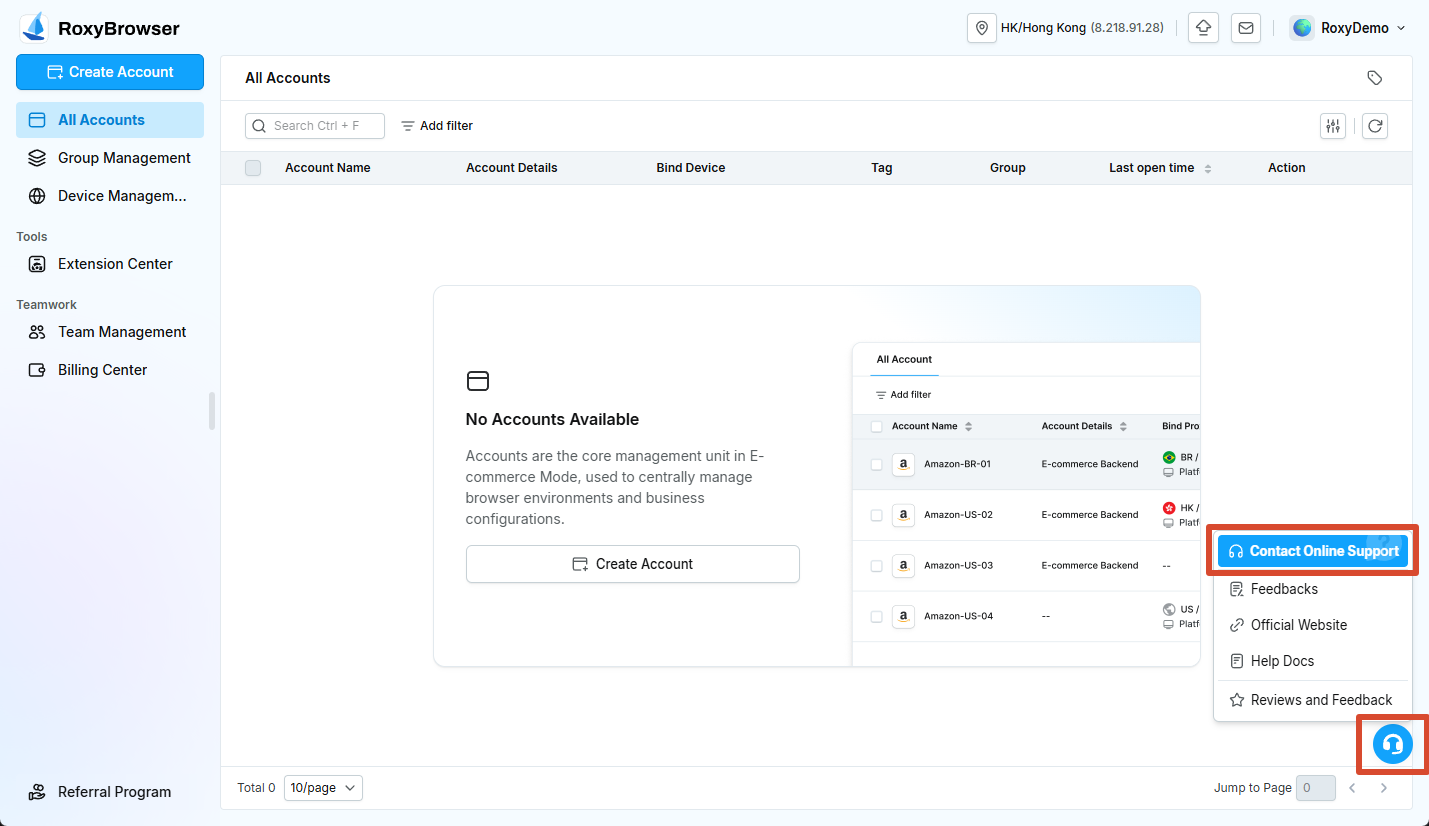
Open Contact Support, enter the issue and supporting information, and wait for a support representative.
Online support is available daily from 09:00 to 22:00 (UTC+8). You can leave a message outside service hours, and the support team will respond during the next service period.
You can also join the official English Telegram community for general usage discussions. For account, payment, or privacy-related issues, use the official support channel.
Submit Feedback
Submit product suggestions and experience issues through the English feedback form. Describe the use case, current difficulty, and expected result as clearly as possible.