
Digital privacy is an absolute necessity in this era. Whether you are an affiliate marketer, an e-commerce manager running multiple stores, or an internet user who values privacy, hiding your IP address has only been half the battle. To truly remain anonymous, avoid account bans, or effectively manage multiple online identities, the best proxy browser is needed.
This article will present you with a list of the top ten best proxy browsers. Whether your goal is daily privacy protection or high-concurrency multi-account operation, you can find the optimal solution in this detailed list of best proxy browsers.
What is a Proxy Browser?
A proxy browser is a type of browser that integrates the proxy configuration directly into the underlying web browser. Its core function is to automatically route your internet traffic through a proxy server, swapping out your real IP address for a masked one.
From a technical perspective, it acts as an intermediary between the device and the internet. Every access request sent out first passes through the proxy server, and then the proxy server retrieves the page content on behalf of us. Although it is a solid foundational tool for protecting privacy, its protection capability is limited when it comes to dealing with deep-level hardware fingerprint tracking.
Therefore, higher-dimensional proxy browser tools have emerged in the market: anti-detect (fingerprint) browsers.
Regular Proxy Browsers vs. Anti-Detect Browsers
The core difference between these two lies in the depth of the disguise.
Regular Proxy Browsers (Basic Isolation): Only the network IP address can be changed through settings or plugins. However, the underlying hardware fingerprints (like Canvas, GPU, OS, system fonts, etc.) are still completely exposed to the website you visit.
Anti-Detect Browsers (Deep Disguise): Usually, they are independent clients developed based on a customized kernel. They not only assign unique proxy IPs, but also can deeply disguise the software and hardware fingerprints at the core level. With them, you can simulate hundreds or thousands of completely isolated device environments using just a single computer.
| Comparison Factor | Regular Proxy Browser | Anti-Detect Browser |
|---|---|---|
| Core Mechanism | IP Masking only | IP Masking + Deep Fingerprint Spoofing |
| Hardware Fingerprints | Fully Exposed (Canvas, WebRTC, GPU, etc.) | Fully Spoofed & Customizable |
| Multi-Accounting | High risk of account association and bans | 100% isolated, mimicking distinct physical devices |
| Best Use Cases | Basic geo-unblocking, light privacy | E-commerce multi-store, affiliate marketing, web scraping |
Common Use Cases for Proxy Browsers
Proxy browsers with varying levels of spoofing naturally cater to entirely different use cases. There is no need for us to configure a complex anti-detect environment for basic web browsing or to bypass regional blocks. Conversely, relying solely on a regular proxy extension to outsmart strict platform algorithms when managing high-value commercial accounts is simply not a viable strategy.
To help clarify what level of protection is actually required, here is a breakdown of the most common proxy browser use cases:
Regular Proxy Browser (Basic Needs)
If only basic IP masking is needed, a regular proxy browser is already sufficient. For example:
Geo-Unblocking: Accessing region-locked streaming platforms (like Netflix), local news outlets, and geo-restricted content.
Public Wi-Fi Security: Masking real IP addresses on unsecured networks—such as in cafes or airports—to prevent tracking by hackers or Internet Service Providers (ISPs).
Basic competitor research: Accessing the official websites or independent sites of brands with lower risk control levels, simply by switching IP addresses to simulate the perspective of local consumers and view the front-end display and regional pricing of the pages.
Anti-Detect Browsers (Professional Operations)
When operations involve strict platform algorithms and multi-account matrices, deploying anti-detect browsers for core-level protection becomes necessary:
E-commerce Multi-Accounting: Managing dozens or even hundreds of storefronts simultaneously on platforms like Amazon, Shopify, or eBay. Deep fingerprint spoofing ensures completely isolated environments, permanently eliminating the risk of cross-store association and subsequent bans.
Affiliate Marketing & Social Media: Running bulk ad campaigns across Facebook, TikTok, or Google Ads. Using an anti-detect browser can prevent a single flagged ad account from triggering a chain reaction that bans other high-value assets operating in the same environment.
Advanced Web Scraping: Modern websites are heavily guarded by sophisticated anti-bot systems like Cloudflare. Anti-detect browsers bypass these by supplying complete, realistic hardware and software parameters. By perfectly mimicking genuine human visitors, they smoothly clear complex JavaScript challenges and fingerprint checks, ensuring uninterrupted data extraction.
Localized SEO & Ad Verification: Anti-detect browsers meticulously align underlying parameters—like system time zones, languages, and WebRTC—with the proxy IP. This deep synchronization bypasses search engine personalization filters, enabling the extraction of unbiased, localized SERPs and the verification of actual ad placements.
Crypto Airdrop Farming & Web3: Managing multiple wallets to qualify for token airdrops requires bypassing strict Sybil detection mechanisms. Anti-detect browsers isolate each wallet environment, making concurrent operations appear as genuine, distinct users to blockchain projects.
Best Regular Proxy Browsers
When evaluating the best browsers to use with proxies, here are the top five regular browsers currently dominating the market for everyday privacy.
Mozilla Firefox
Core Advantage: It comes with an independent proxy setting at the bottom layer, which remains the top choice for many technicians to this day.
Its greatest architectural advantage lies in having an independent network settings panel. This means that proxies (HTTP/SOCKS5) can be directly configured at the browser’s bottom layer without affecting other network traffic on the entire computer. This “out-of-the-box” design eliminates the need to install third-party proxy extensions and significantly reduces the risk of WebRTC real IP leaks caused by extension conflicts.
Limitation: It lacks the ability to deeply modify low-level hardware fingerprints (such as Canvas, GPU, or WebGL).
Brave Browser
Core advantages: Equipped with a powerful built-in shield, it is fast.
Built on Chromium, Brave differs from standard browsers by thoroughly stripping out Google’s telemetry code right at the source. Its signature feature is “Brave Shields”, which can automatically block various cross-site trackers, malicious ads, and basic fingerprint collection scripts at the network layer by default. Paired with a high-quality proxy, it delivers top-tier daily privacy without slowing down page load times.
Limitations: Its aggressive blocking mechanism sometimes causes layout issues on some complex web pages.
Tor Browser
Core Advantage: Encrypted node routing for ultimate anonymity.
Tor is the ultimate tool against network monitoring. It routes network traffic through three randomly selected encrypted relay nodes (entry, middle, exit nodes), making it impossible for anyone to trace the actual physical location.
Limitations: Due to multiple encryption, the network latency is sky-high (the speed is very slow). In addition, modern commercial websites (like Amazon) and cloud firewalls (like Cloudflare) flag Tor’s nodes as “high-risk”, and often trapping you in endless CAPTCHA loops.
DuckDuckGo Browser
Core Advantage: Leaves no trace, offering a clean browsing baseline.
DuckDuckGo has extended its privacy concept of the search engine to the browser side. It enforces the policy of “no collection, no recording”, and a one-tap button to wipe all history and cache. When used with a proxy IP, it can completely cut off the data association brought by cookies, providing a pure initial environment for each online session.
Limitations: The extension ecosystem is pretty sparse, and it is not suitable for operators who rely on various marketing plugins.
Google Chrome + SwitchyOmega
Core advantages: The most diverse ecosystem, with the lowest entry barrier.
Google is the most common proxy setup worldwide. By using classic extensions such as Proxy SwitchyOmega, you can easily set up rules for IP split-routing (e.g., using a proxy for Site A and a direct connection for Site B).
Limitations: It is a privacy minefield. Its core business model is based on advertising data tracking. Even with the proxy plugin installed, Chrome is still highly likely to leak your real IP in the background. Additionally, the bookmarks and browsing habits synchronized through the Google account system can easily reveal your true digital profile.
List of Best Proxy Browsers (Regular)
| Browser | Proxy Setup | Daily Privacy Protection | Speed | Multi-Account Anti-Association | Best Use Case |
|---|---|---|---|---|---|
| Mozilla Firefox | Native Base-Level | Moderate | Fast | Very Weak | Basic network testing, geek’s daily browsing |
| Brave Browser | System/Extension Dependent | Strong (Built-in Shields) | Extremely Fast | Very Weak | Daily ad-blocking, anti-tracking |
| Tor Browser | Native Encrypted Nodes | Very Strong (High Anonymity) | Very Slow | Very Weak (High block rate) | Highly sensitive research/queries |
| DuckDuckGo | System/Extension Dependent | Strong (Strict no-logs) | Fast | Very Weak | Pure searching, creating a clean slate |
| Chrome + Extension | Third-Party Extension | Weak (Google ecosystem tracking) | Fast | None (High Risk) | Simple webpage IP switching |
As you can see from the table above, while these mainstream proxy browsers all bring something to the table for everyday privacy, their defenses drop to near zero when it comes to commercial-grade multi-accounting and anti-association.
So, how do you achieve total privacy and absolute account isolation?
Beyond Standard Proxy Browsers: Achieving True Privacy and Account Isolation
The anti-fraud systems of modern commercial websites (such as Amazon, Facebook, and Google) have undergone a qualitative evolution. They no longer merely rely on IP addresses to track users but identify your true identity by reading the underlying hardware fingerprints of your device. To break through this high-dimensional tracking, the only way out is to reconstruct your digital identity from the bottom up. This is where anti-detect browsers come in to take over your underlying hardware environment.
Upgrade to an Anti-Detect Browser
Unlike regular proxy setups, antidetect browsers are professional business tools deeply customized based on the Chromium or Firefox kernel. Facing modern anti-fraud systems, they directly feed the target website a set of highly authentic and completely independent hardware fingerprints.
The core mechanism for achieving absolute account isolation relies on:
Deep Hardware Spoofing: They manipulate low-level parameters at the core—including Canvas, WebGL, Audio context, operating systems, and even CPU core counts. Each browser environment is a brand new physical machine.
Zero WebRTC Leaks: Even in complex P2P interactions, the only thing the target website can detect is the proxy IP.
100% Sandbox Isolation: Each account has its own dedicated cookies, cache, and local storage. Even if you run 100 accounts on the same computer, in the radar of Amazon or Facebook, these are 100 real users located in 100 different places.
Flawless Proxy Integration: Featuring native support for HTTP/SOCKS5 protocols, they seamlessly pair with high-anonymity ISP proxies and dynamic residential IPs. This delivers the ultimate disguise: a “native fingerprint + native IP”.
Regular proxy browsers merely mask the network connection, while anti-detect browsers can completely isolate digital footprint. For teams managing multiple accounts in cross-border e-commerce, affiliate marketing, or social media, this level of hardware spoofing is a necessary condition to prevent accounts from being banned in bulk.
Best Proxy Browsers - Anti-Detect Browsers
When evaluating the best antidetect browsers on the market, we not only need to consider the basic IP masking, but also pay more attention to the authenticity of the underlying hardware fingerprints, the operational difficulty, the cost-effectiveness, and the compatibility with proxy IPs.
Based on these criteria, the following are the currently most outstanding mainstream tools in the industry.
RoxyBrowser
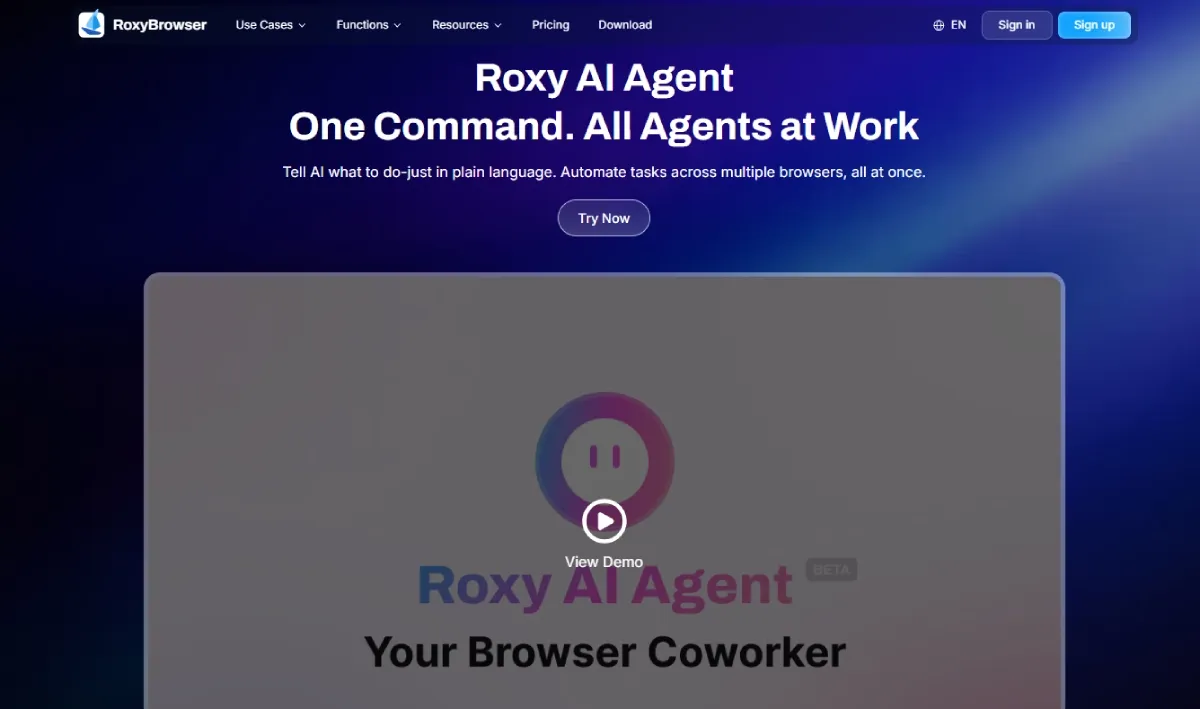
RoxyBrowser is far more than just an isolation tool; it is a comprehensive automation ecosystem that seamlessly integrates Al Agents with a native IP infrastructure.
Pros:
1. AI-Driven Copilot for Massive Scale Automation: As the industry’s first anti-detection platform to integrate true Al Agents, RoxyBrowser allows you to manage over 100 windows with ease. Say goodbye to clunky node dragging and complex code maintenance associated with legacy RPA tools.
2. 210+ Deep-Level Parameter Customization: Deeply within the browser kernel, it supports deep customization of 210+ advanced parameters such as Canvas, audio, and even mobile-specific battery and Bluetooth.
3. 90 Million+ Exclusive Clean Nodes: Featuring an in-house top-tier residential proxy store, RoxyBrowser provides access to over 90 million authentic, high-purity nodes spanning 210+ countries and regions. This eliminates the need for third-party sourcing, ensuring enterprise-grade stability and speed.
4.Enterprise-Scale Collaboration Matrix: Specifically designed for large studios, it supports cross-border collaboration of over 100 people. The permissions are finely segmented, and it supports seamless and precise synchronization of environment templates and precise operation traceability.
5.Exceptional ROI & Transparent Pricing: RoxyBrowser offers industry-leading cost-effectiveness with no hidden fees. It provides 2 free profiles for new users, combined with significantly lower upgrade and maintenance costs compared to its peers.
Cons:
Due to its rigorous “100% physical isolation” architecture designed for maximum security, running massive-scale concurrent tasks can be resource-intensive. For an ultra-smooth experience during heavy workloads, it is recommended to configure a hardware configuration with at least 16GB of RAM or higher.
Multilogin
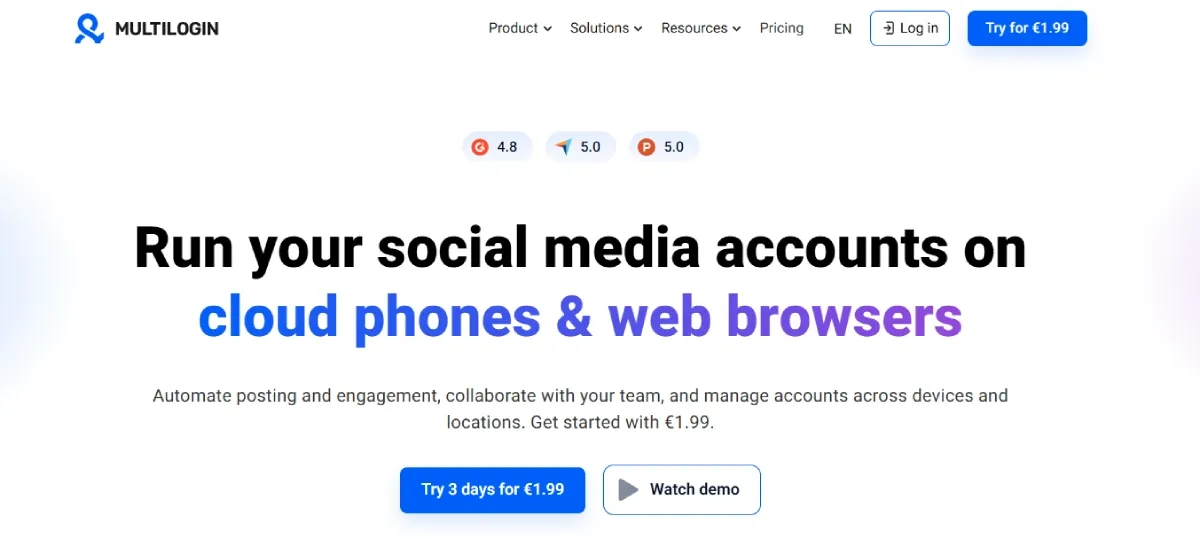
As an undisputed pioneer and “veteran” in the anti-detect browsers, Multilogin boasts a profound technical foundation. It has always been one of the industry benchmarks in terms of the depth and stability of its underlying fingerprint spoofing.
Pros:
Solid Technology: Offers one of the most realistic and stable hardware fingerprint environments available on the market.
Enterprise-grade Reliability: The overall operation of the software is extremely stable, with a near-zero incidence rate of software crashes or massive browser profile data loss.
Cons:
Multilogin’s business model is almost exclusively tailored for large-scale enterprise clients. Its prohibitive pricing structure makes it distinctly unfriendly and largely inaccessible for solo affiliate marketers, startups, or small-to-medium-sized (SMB) agencies.
GoLogin
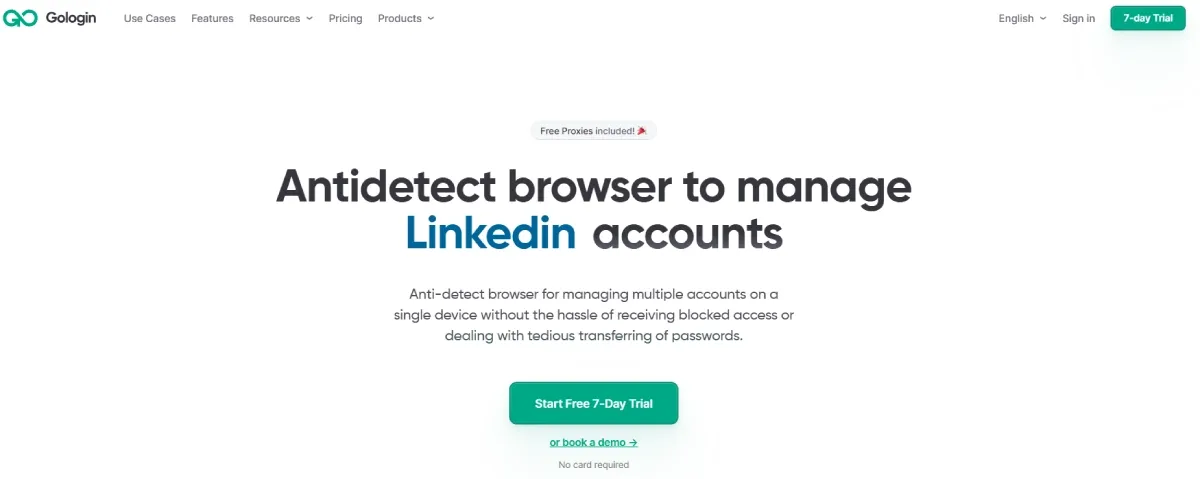
GoLogin’s main selling point relies heavily on its “cloud-sync” capabilities. If you’re managing a distributed workforce across different time zones or heavily utilizing remote VAs (virtual assistants), it stands out as a solid, lightweight alternative for your daily operations.
Pros:
Frictionless Cloud Collaboration: The way it handles cloud synchronization is practically instant. Sharing browser profiles across different devices and geographic locations is a breeze, making it incredibly easy to pass accounts back and forth between team members without triggering target-site security checkpoints.
Cons:
Highly dependent on the quality of the local network. Once there is any fluctuation or delay in your local network, loading the cloud configuration will experience significant lag, seriously slowing down work efficiency.
AdsPower
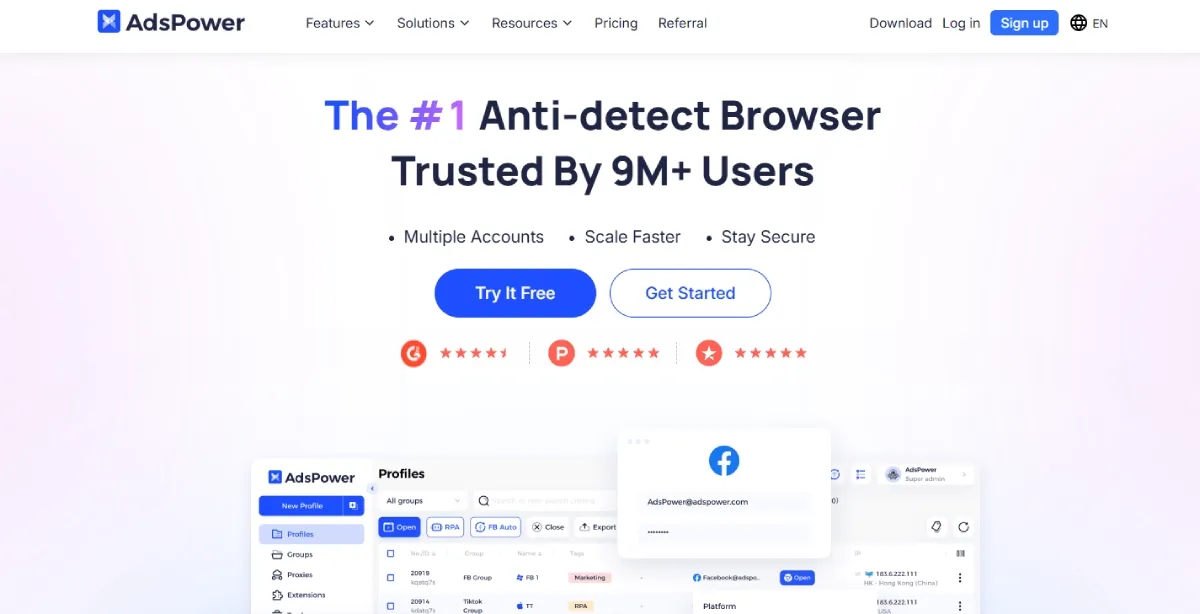
If your daily operations revolve around massive volumes of repetitive, mind-numbing tasks (think mass liking, automated posting, or bulk farming), AdsPower brings serious firepower to the table. It has built a massive reputation within the industry specifically around its heavy-duty automation capabilities.
Pros:
Robust RPA Automation: It comes packed with built-in RPA tools. This is a game-changer for slashing the human capital and VA costs normally required for repetitive, mechanical grinding.
Optimized Bulk Management: The dashboard is custom-tailored for power users. If you are actively juggling hundreds or even thousands of accounts simultaneously, the UI is specifically built to handle that kind of extreme volume.
Cons:
The interface and functions are overly complex. If you merely need a pure and stable account isolation environment without wanting to write automation scripts, its functions will seem overly redundant and it will be very difficult for beginners to navigate. Moreover, advanced RPA automation functions and additional browser profile quantities require continuous and additional payment.
Dolphin Anty
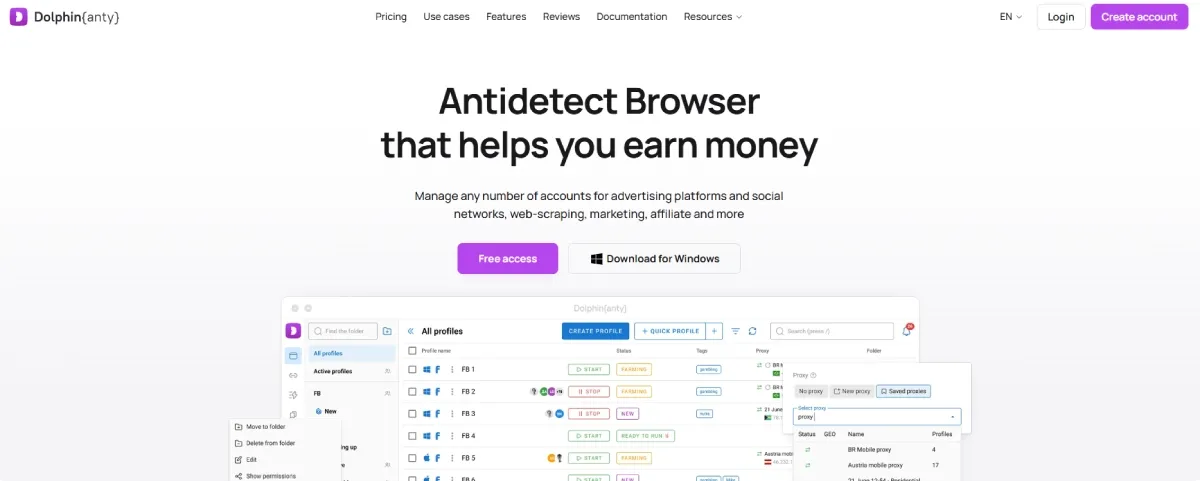
Within the affiliate marketing and Facebook/TikTok media buying circles, Dolphin Anty holds massive brand recognition. It is essentially a bulk-farming machine custom-built from the ground up for high-volume media buyers.
Pros:
Lightning-Fast Account Creation: The workflow is heavily optimized specifically for media buying operations. It allows you to spin up, manage, and scale bulk accounts at an incredibly rapid pace.
Generous Free Tier: It offers a very practical starting point by giving you 10 free browser profiles right out of the gate.
Cons:
Only a pure browser environment is provided. You must purchase it externally and manually bind the proxy IP. Once the external proxy goes down or becomes unstable, it is very likely to cause the entire account matrix to completely fail.
List of Best Proxy Browsers (Anti-detect)
| Platform | Learning Curve | Core Engine | Free Trial | Starting Price (Monthly) | Team Collaboration | Long-Term Costs |
|---|---|---|---|---|---|---|
| RoxyBrowser | Beginner-friendly | Custom Chromium | Free forever (2 profiles) | From $4.80 | Unlimited members; robust granular permissions; lifetime seat buyout. | No hidden fees; exceptionally low upgrade/maintenance costs. |
| Multilogin | Steep (Requires technical setup) | Mimic / Stealthfox | €1.99 / 3-day trial only | From €9 | Collaboration locked behind enterprise-level tiers. | High brand premium; monthly costs scale aggressively as team grows. |
| GoLogin | Low | Orbita | Free forever (3 profiles) | From $49 | Seats tied to fixed tiers; expensive subscription for adding extra members. | High premium for multi-member collaboration. |
| AdsPower | Medium | Chromium / Firefox | Free forever (2 profiles) | From $9 | Seats require monthly subscriptions/renewals. | High long-term expenditure due to constant add-on paywalls. |
| Dolphin Anty | Medium | Custom Chromium | Free forever (10 profiles) | From $10 | Fixed seats per tier; supports paid scaling but lacks a lifetime buyout option. | Expenditures compound rapidly as profiles and seats scale up. |
4 Criteria for Choosing the Best Proxy Browser
1. Comprehensive Proxy Protocol Support: Any platform claiming to be the best proxy browser must deliver maximum network compatibility. Beyond the basic HTTP and HTTPS, flawless support for the SOCKS5 protocol is the absolute baseline for professional, high-anonymity use.
2. Deep-Level Fingerprint Customization: A top-tier proxy browser needs to dig deep into the core engine. It must allow you to heavily manipulate parameters like Canvas, WebGL, Audio context, and WebRTC.
3. Team Collaboration and Granular Permissions: When scaling operations, your setup must support strict, role-based access control (e.g., Admin, Operator, View-Only) and instant 1-click profile syncing. This isn’t just about workflow efficiency; it’s about asset security.
4. Open APIs and Heavy-Duty Automation: Look for platforms that provide open API access and seamless integration with RPA or headless scripts like Puppeteer and Selenium. This allows you to turn mind-numbing repetitive tasks—like mass account farming or automated scraping—into an industrial-grade, fully automated machine.
In summary, as you research the market and build out your ultimate proxy browser list, dedicated antidetect browsers are the tools that actually check all four of these boxes. However, there is one critical rule you must remember: even the most powerful proxy browsers on the market are utterly useless unless they are paired with high-quality, authentic proxy IPs.
Why Proxy Browsers Must Be Paired with Proxy IPs
Antidetect browsers only mask your device; they don’t provide the network connection. If the browser is your perfect “digital identity,” the proxy IP is your “physical coordinate.” Without clean, high-trust proxies, even the best hardware spoofing is useless. A low-quality or blacklisted IP will get your accounts linked and banned instantly.
Different operations require specific IP types:
Dynamic Residential IP: Sourced from real household connections. High stealth, making it the top choice for bulk registrations, social media farming, and high-frequency tasks.
Static ISP: Combines datacenter speeds with residential trust. Because the IP doesn’t rotate, it is perfect for long-term, secure management of e-commerce stores like Amazon and eBay.
Datacenter IPs: Fast and cheap. Best used for low-risk data scraping or basic web tasks.
Mobile Proxies: Simulates real mobile networks (3G/4G/5G). The shared IP infrastructure offers massive fault tolerance, effortlessly bypassing the strictest anti-fraud filters.
In standard workflows, constantly sourcing and manually binding external proxies to your browser profiles is tedious and risky—a slight misconfiguration can cause fatal WebRTC leaks. RoxyBrowser solves this by providing a complete, all-in-one ecosystem. It features a built-in proxy network with over 90 million native nodes across 200+ countries, seamlessly natively integrating dynamic residential and static ISP proxies directly into browser environments.
How to Test If Your Proxy Browser is Truly Secure?
Before logging into high-value assets like Amazon seller or Facebook Ad accounts, always run a full environment audit.
1.Core Testing Tools
BrowserLeaks.com: The most in-depth fingerprint scanner available. It analyzes your Canvas, WebGL, Audio context, and API spoofing.
Whoer.net: Focuses on overall network health, displaying your IP location, timezone, blacklist status, and anonymity score.
2.Three Critical Risk Points to Verify
Any anomaly could potentially lead to the immediate association of the account. Therefore, during the self-test process, the following technical indicators need to be given special attention:
WebRTC Leaks: WebRTC can easily bypass proxies and expose your actual local or public IP. Verify that your real IP remains completely hidden.
DNS Mismatches: If you are using a US IP but your DNS resolves in another country, anti-fraud systems will flag the geographic contradiction immediately.
Fingerprint Integrity: Ensure your hardware traits (fonts, screen resolution, GPU) look authentic. Results showing “N/A” or logical clashes (e.g., a Windows OS displaying Safari browser traits) will destroy your trust score.
3.Environmental Consistency
Your setup must make logical sense to pass the final check:
Timezone: Must strictly align with your IP’s location.
Language: Should default to the primary language spoken in the IP’s country.
Conclusion
The appropriate best tool should be selected based on business needs.
For daily web tracking, Firefox and Brave remain the top free proxy browsers. However, scaling a multi-account matrix for Facebook or Amazon requires much more than just a basic browser with proxy support or simple proxy browsers online. The real solution is pairing high-quality proxy IPs with proxy browsers like RoxyBrowser or Multilogin.


