5 Ways to Unblock YouTube at School and Anywhere Else
Learn how to access YouTube unblocked at school, work, or in censored regions.

Stay updated with the latest improvements, new features, and bug fixes in RoxyBrowser.
2026/09/24
Kernel Update
1. Added HTTP security warnings to block or flag unsafe connections and reduce phishing and man-in-the-middle risks
2. Improved Dialog and Popover interactions, fixing accidental dismissals caused by touch scrolling and right-click actions
3. Strengthened WebSocket and background-fetch security with finer local-network permissions and cross-origin protection
4. Expanded responsive iframe and Fetch API capabilities for better adaptive layouts and easier async-request debugging
2026/09/23
APP Update

The Roxy Mid-Autumn Festival event is now live with four limited-time offers: top-up bonuses, spend & win, Buy 1, Get 1 Free team seats, and a website treasure hunt for membership benefits. Top-ups receive up to a 40% bonus; every purchase offers a chance to win MacBook Pro M5 Pro, iPhone 18 Pro Max, DJI Pocket 4 and other prizes; hidden Jade Rabbits and Mooncakes found across the website can also be redeemed for up to 3 months of membership benefits.
Event Period: 2026/09/24 00:00 – 2026/10/15 23:59 (UTC)
2026/09/14
APP Update

2026/09/09
Kernel Update
1. Added IAMF immersive audio support and improved WebAudio rendering to reduce latency, stuttering, and playback issues
2. Enhanced WebGPU graphics and compute capabilities for faster complex rendering and frontend AI workloads
3. Fixed extension loading and Canvas noise injection issues, and updated Widevine for better compatibility and stability
4. Strengthened Chromium security with multiple vulnerability fixes for improved sandboxing and runtime stability
2026/09/04
APP Update
.jpg)

When creating profiles via API, you can directly reuse commonly used configurations from a template. Eliminate repetitive setup and create profiles faster and more reliably in bulk.
Upload your brand or business logo as your team icon, giving every team its own unique identity. Manage multiple teams in parallel and tell them apart at a glance.
2026/08/31
Kernel Update
1. Added encrypted-media capability detection for CENC, CBCS, and other formats, reducing black screens and playback errors for protected video
2. Improved casting and screen-recording audio with preconfigured system-sound sharing, reducing repetitive steps in meetings and live streams
3. Enhanced hardware performance assessment and WebGPU subgroup control for adaptive quality, frame rates, and faster AI and graphics workloads
4. Upgraded to Chromium 152 with network endpoint allowlisting and 327 security fixes for stronger sandboxing and runtime stability
2026/08/18
Kernel Update
1. Improved native wheel momentum, Simplified/Traditional Chinese;detection, and duplicate-navigation filtering for smoother scrolling and more stable page transitions
2. Raised system and network security baselines with macOS 13+ ;support, faster WebRTC data-channel setup, and finer-grained network permissions
3. Expanded SPA performance metrics, textStream(), modern CSS, declarative Shadow DOM, and animation-event APIs for more efficient development
4. Aligned WebGL output with Chrome by hiding driver suffix versions, and fixed detection anomalies when mobile emulation is used with pixelscan.net/fingerprint-check
2026/08/13
APP Update


Create Profile Page: Simplified form fields and reorganized their order and priority to support both basic and advanced configurations. The streamlined process helps even new users get started quickly.
Added “Quick Create Profile.” No forms to fill out—create a new profile with one click and start using it immediately.
Operation Logs: Added records for profile opening and closing, making member activity clear and traceable.
Member List: Remove members directly without leaving the page, making member management faster.
2026/08/07
APP Update
.jpg)
Save Labor · Save Money · Boost Revenue. Done with a single click!
⚡ Save Labor: 1 Roxy AI Replaces a 20-Person Operations Team!AI orchestrates RPA scripts, Skills, and prompts automatically. Hands-free account warming, scraping, and engagement across TikTok, Facebook and Instagram.
🖱️ Stress-Free: 24/7 Automated Execution, Zero Errors, Flawless Delivery!Ready-to-use templates for e-commerce and social media with automated scheduling. Real-time monitoring and rolling task logs keep everything transparent—no blind waiting, no rework.
💰 Boost Revenue: Reduce Costs by 50%, Increase Profits by 500%!Manage more accounts, capture more traffic. Slash expenses to near zero while scaling output exponentially. Get ahead of the competition early.
🔥 Roxy AI Agent—Free Trial Available Now! Try it with just one click!
2026/07/27
APP Update
1. Fixed some known issues
2. Optimized some functions
2026/07/07
APP Update
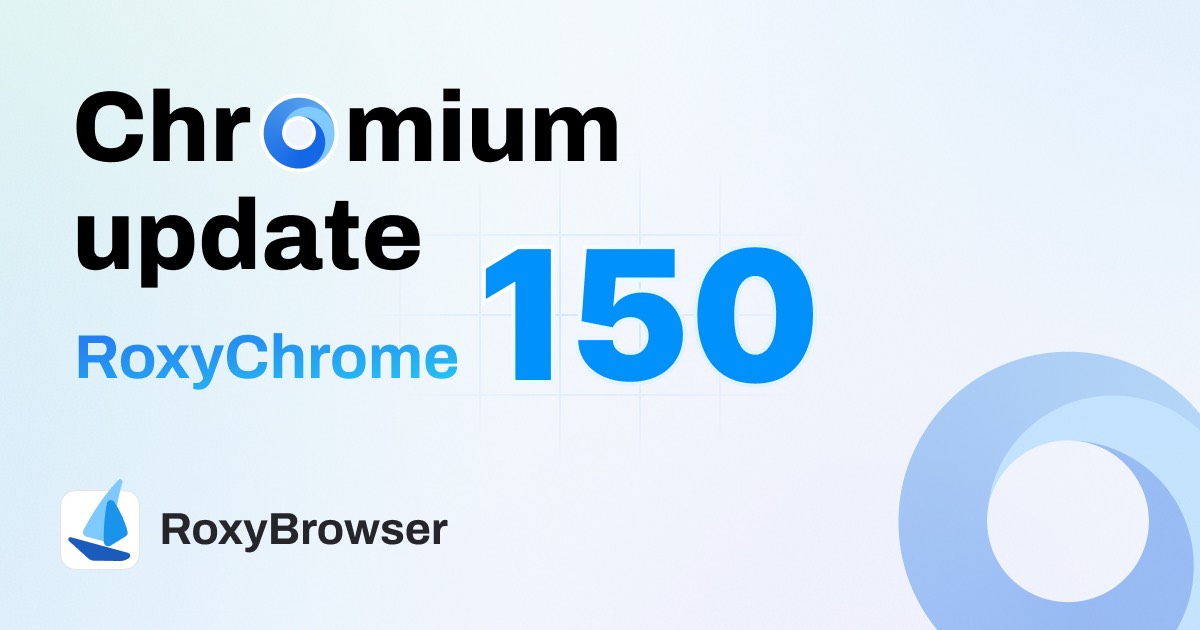

You can now check and add existing team members with one click when creating a new project. No need to re-enter user info, streamlining your project creation workflow.
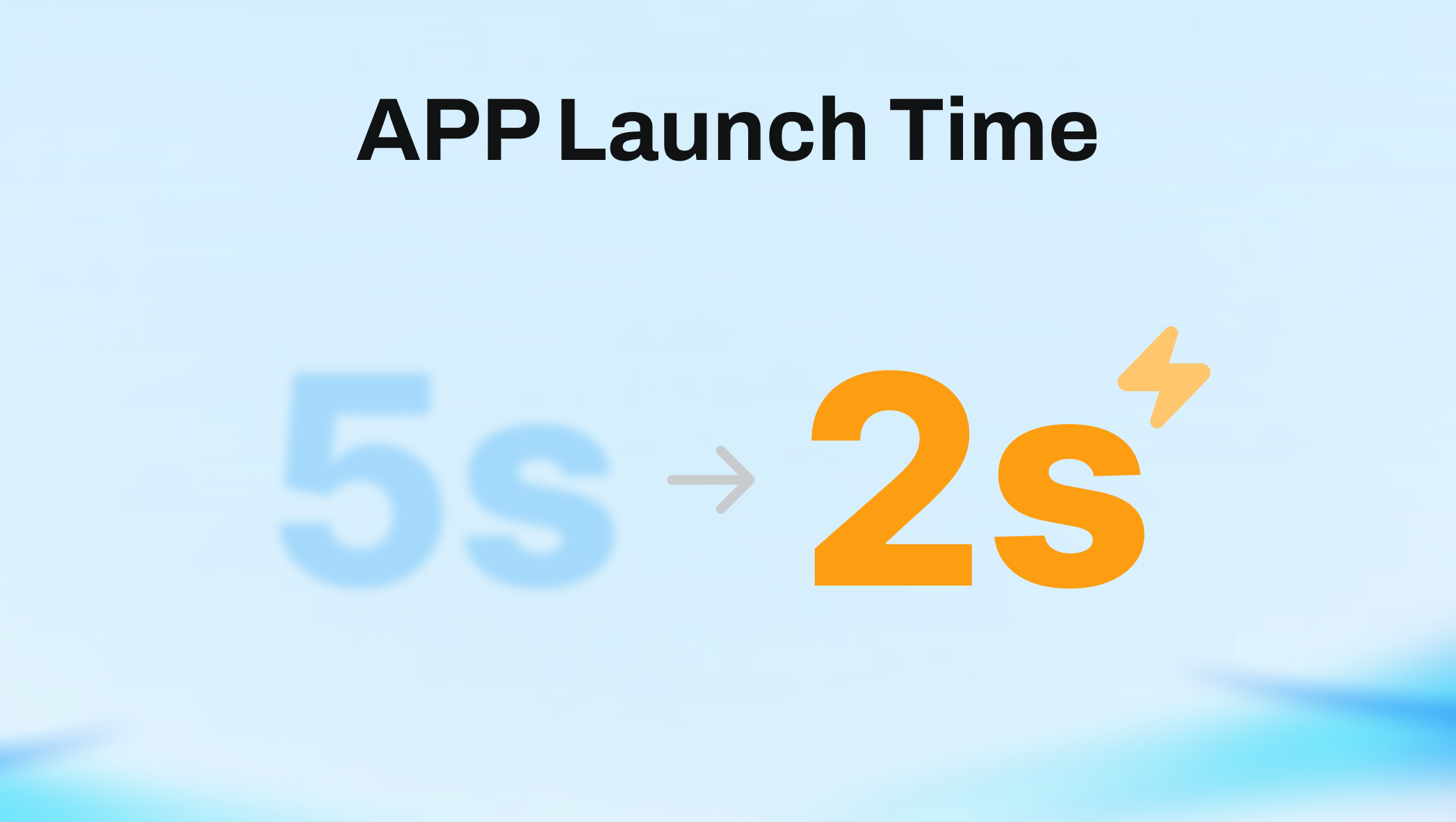
Deep optimization of underlying loading logic reduces app launch time from 5.5s to 2s. Enjoy faster cold starts, quicker daily access, and zero waiting.
2026/07/03
Kernel Update
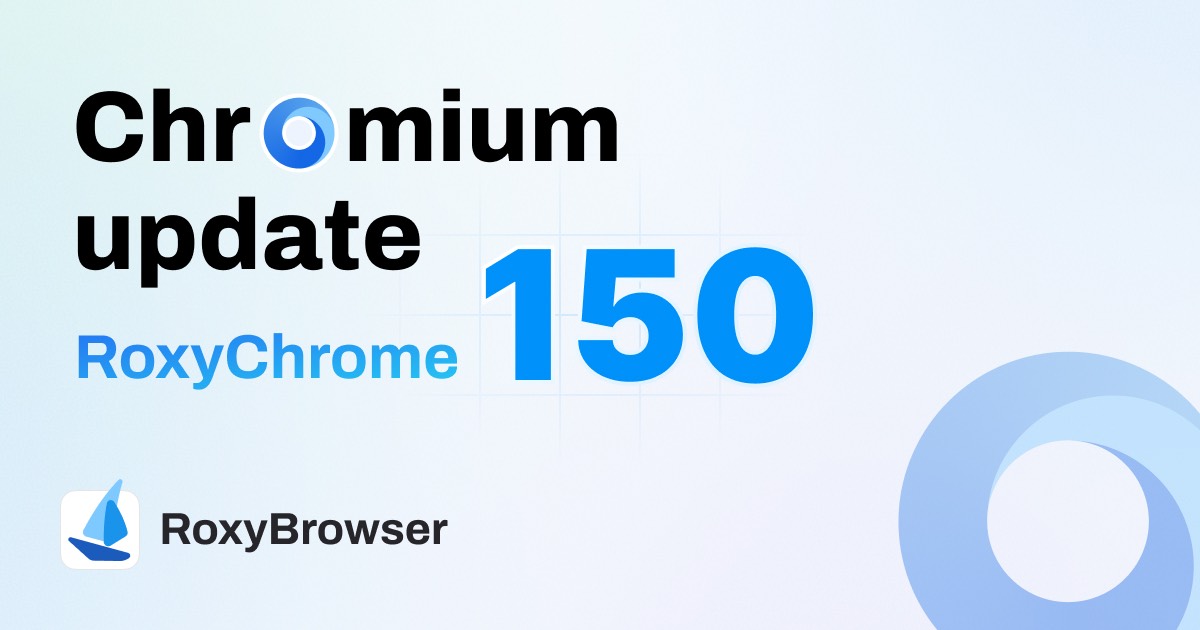
1. Improved CSS rendering and layout performance for more natural page restoration and balanced layouts
2. Optimized Web interaction and media experience with smoother animations, popover hints, scrolling, and speech recognition
3. Strengthened core architecture and security boundaries for better WebGPU capability and runtime stability
4. Expanded PWA, Sub apps, WebRTC logs, and performance diagnostics for easier development and debugging
2026/06/30
APP Update
.jpg)


RoxyBrowser now supports user-defined proxies for client network connections. No need to toggle separate proxy software (system/global), flexibly meeting various network configuration needs. Go to "Network Settings" > "Network Connection Mode", select "Custom Proxy", and configure the port to use.
RoxyIP introduces new bandwidth tiers, now supporting 10 Mbps / 20 Mbps / 50 Mbps / 100 Mbps. Choose flexibly based on your business scenarios to balance performance and cost. For more options, visit the Proxies Store or contact our online tech support.
Scan the QR code with a third-party mobile app to instantly get full proxy configurations. Skip tedious manual entry for a more efficient setup.
The proxy list now features a quick-link capability, allowing you to bind profiles directly from the list. This simplifies proxy assignment and boosts multi-account management efficiency.
2026/06/18
APP Update
1. Fixed some known issues
2. Optimized some functions
2026/06/17
APP Update
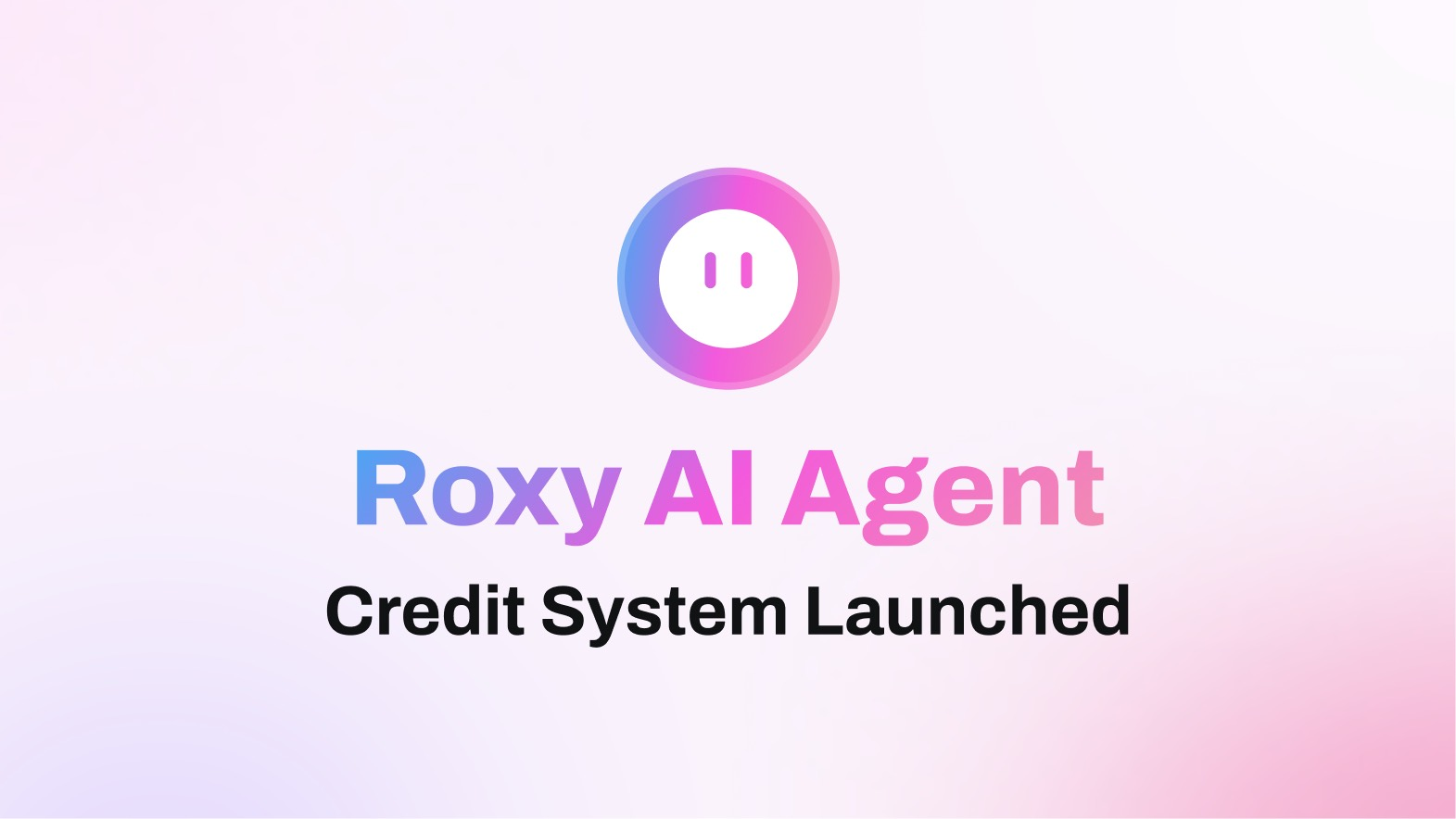


To celebrate the launch of our AI Agent credit system, we're gifting 100 credits to all users for immediate trial. Purchase credits on-demand based on your business needs; pay-as-you-go based on actual usage. Enjoy tiered discounts and exclusive member rates for higher volume.
Workspace is now Team. We've optimized the hierarchy and terminology to offer a more intuitive team collaboration and resource management experience.
Profile names can now be displayed directly on the taskbar for fast window tracking. Go to "Settings > Taskbar Icon Display" and select "Profile Name" to enable. Save time and boost multi-window efficiency.
Copyright © 2026 LINKV TECH PTE. LTD. All rights reserved.
Address: 25 SEAH STREET, #02-01, SINGAPORE 188381NOVATECH HONGKONG GROUP CO., LIMITED
智創未來科技集團有限公司


