Step-by-Step: The Official AdsPower Browser Download & Install
AdsPower is a popular antidetect browser on the market right now. Next, I am going to show you a complete, all-in-one tutorial covering the official AdsPower download for PC, installation, and registration.Follow this guide to dodge every shady download trap and annoying installation error. In just 180 seconds, I’ll walk you through the official AdsPower setup step-by-step so you can jump straight into the action!
Step 1: Go to the Official Website
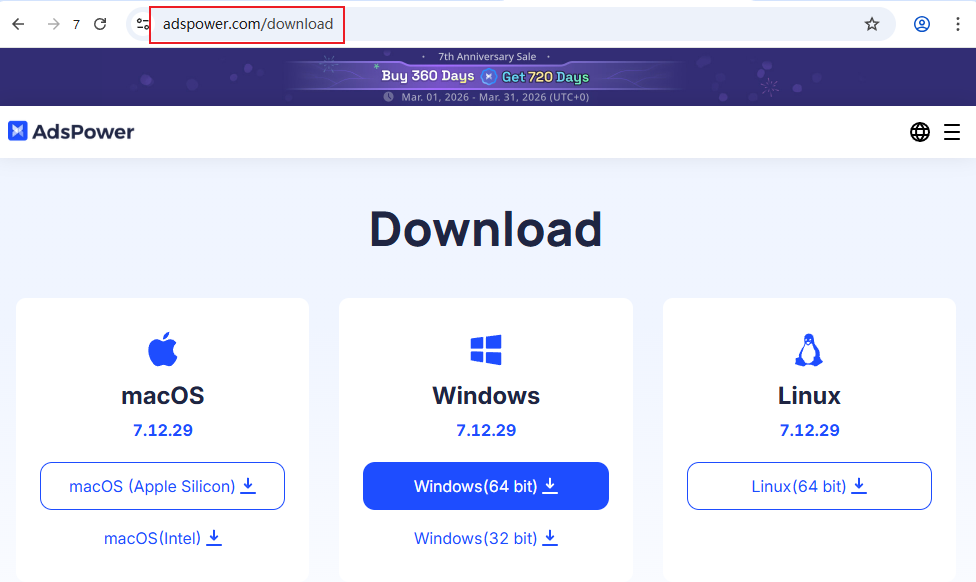
First things first, open up your browser, head over to the official AdsPower website, and look for their download page. It is always highly recommended to grab your software straight from the source to keep your computer safe and secure from any shady third-party sites.
Step 2: Check Your System Requirements
Before you click download, let’s make sure your machine can handle it. You don’t need a supercomputer, but here are the basics:
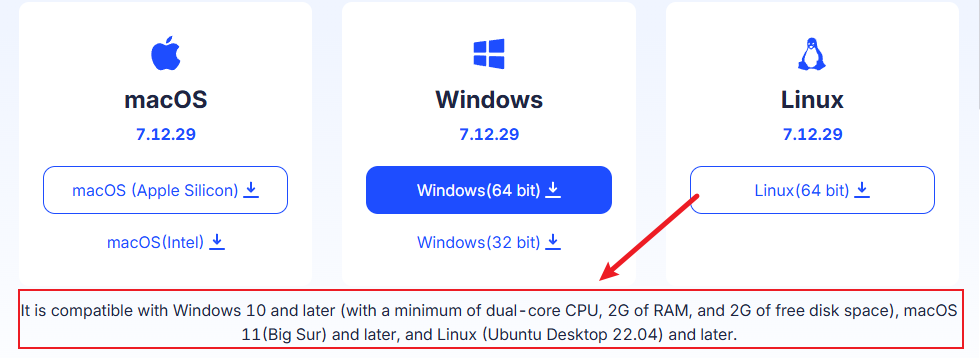
Windows: Windows 10 or newer (requires at least a dual-core CPU, 2GB of RAM, and 2GB of free disk space).
Mac: macOS 11 (Big Sur) or newer.
Linux: Ubuntu Desktop 22.04 or newer.
Step 3: Choose the Right Version for Your Device On the page, you’ll see a few different download options. Here is how to pick the right one
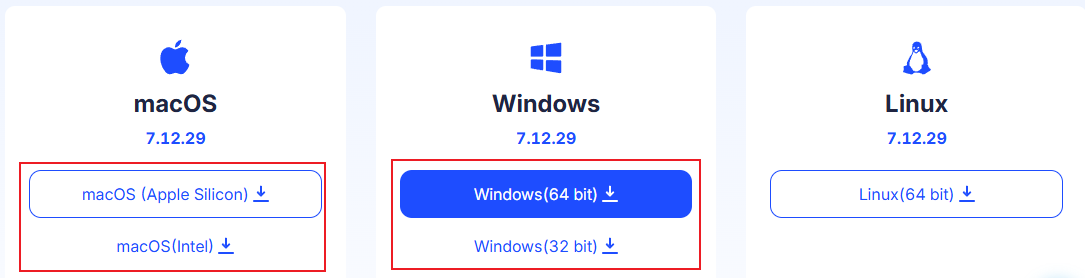
Windows Users:When you are doing an AdsPower download for PC, you will notice options for both 32-bit and 64-bit. It is crucial to pick the exact one that matches your system (Note: most modern Windows computers are 64-bit). If you accidentally download the wrong version—like trying to install the 64-bit software on a 32-bit operating system—there is a very high chance the app simply will not run after you install it!
Mac Users: Pay close attention here! There are two different buttons. Click the “Apple” chip link if you have a newer Mac (like an M1 or M2), or click the “Intel” chip link if you have an older Mac. Not sure which one you have? It’s super easy to check! Just click the small Apple icon in the top-right corner of your screen and select About This Mac.
If you see a line labeled Chip (followed by a name like Apple M1), you need to download the Apple version.
If you see a line labeled Processor (followed by an Intel name, such as an Intel Core i5 or Intel Core i7), you need to grab the Intel version.
(Pro Tip: If you want to double-check, you can read the Read the official Apple guide to identify your Mac’s chip.
Linux Users: Simply select the standard Linux download button.
Step 4: Run the Installation
For this tutorial, I will be using Windows as an example to walk you through the exact installation, registration, and login process step-by-step.Once the file is done downloading, open it up. The setup is a breeze—just click “I Agree” to accept the terms, choose the folder on your computer where you want to install it, and let it run. You’re fully installed!
How to Launch the App, Complete Your AdsPower Sign Up, and Login
Now that the installation is finished, simply double-click the new AdsPower icon on your desktop to open the application. When the welcome screen pops up, you are ready to create your account.
Here is how to breeze through the AdsPower sign up and AdsPower login process:
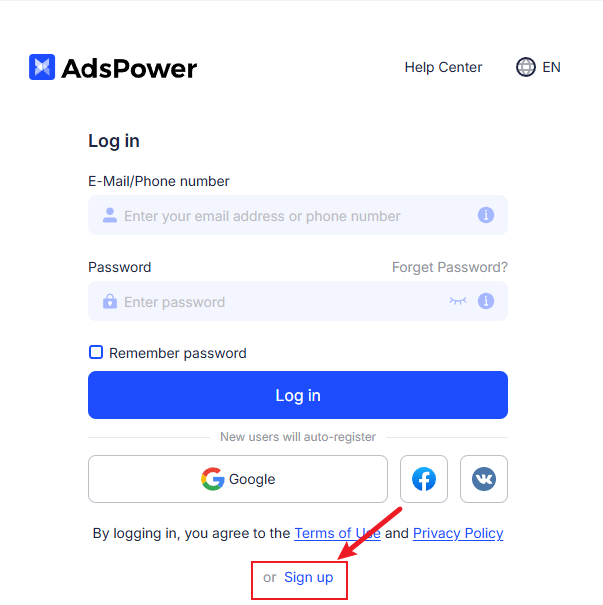
Step 1: Click on the “Sign up” button on the main launch page
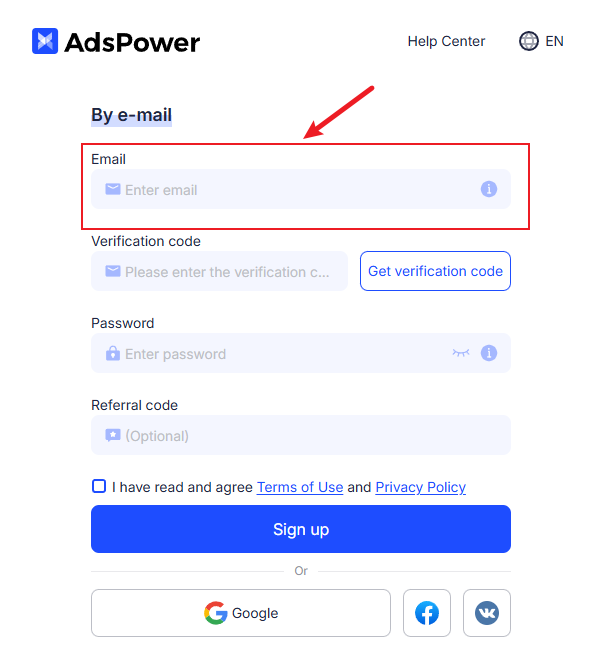
Step 2: Enter a fresh email address
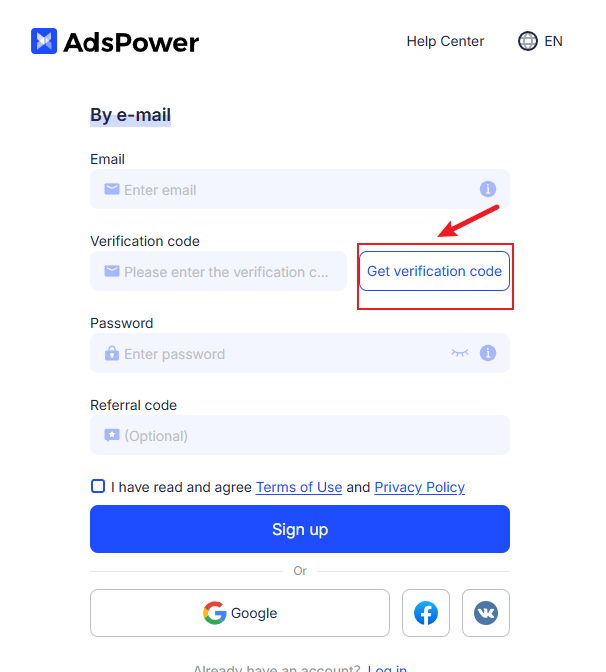
Step 3: Click “Get verification code.”
Hop over to your email inbox, find the confirmation email from AdsPower, and type that code into the app.
Step 4: Create a secure password
It needs to be between 8 and 20 characters long and include a mix of uppercase letters, lowercase letters, and numbers.
Step 5: If someone gave you a referral code, you can paste it here. If not, just read and accept the terms and conditions, then click “Sign up” to finish.
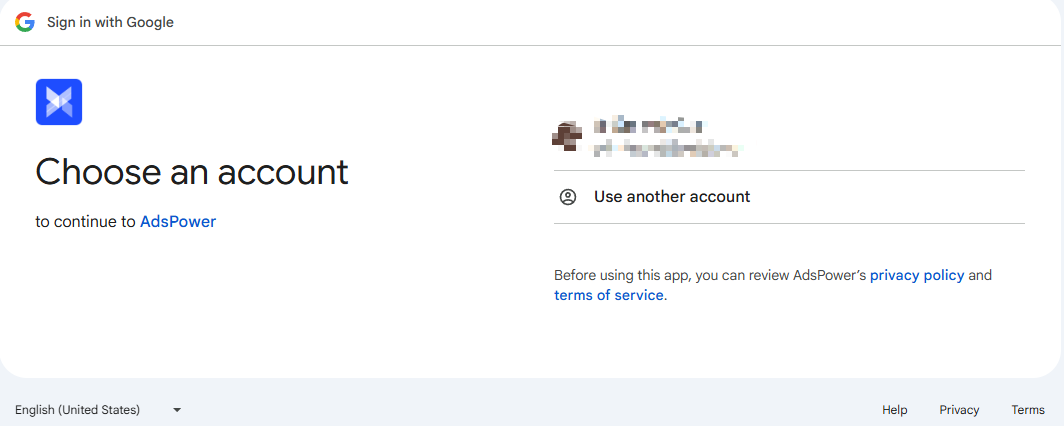
(Pro Tip: If you want to skip typing altogether, you can use the quick login options to register seamlessly with your Google or Facebook account!)
The Elephant in the Room: A Recent Security Warning
Personally, I think AdsPower is a very useful tool with a lot of great features. However, I have to be completely honest with you before you start using it: recent news reports have pointed out that the platform experienced significant security vulnerabilities, which unfortunately led to the loss of millions of dollars.
When you are just starting your business, keeping your accounts and your funds completely safe is the most important thing. So, while it is a popular tool, this is definitely a major red flag you should be aware of.
A Safer, Smarter Alternative: RoxyBrowser
If the recent security news doesn’t bother you, you can absolutely go ahead with your AdsPower browser download for pc and use their platform. But if you want to play it safe and protect your hard-earned money, I highly recommend checking out RoxyBrowser instead.
Here are the top three reasons why it is my go-to recommendation for beginners:
100% Secure and Highly Stable
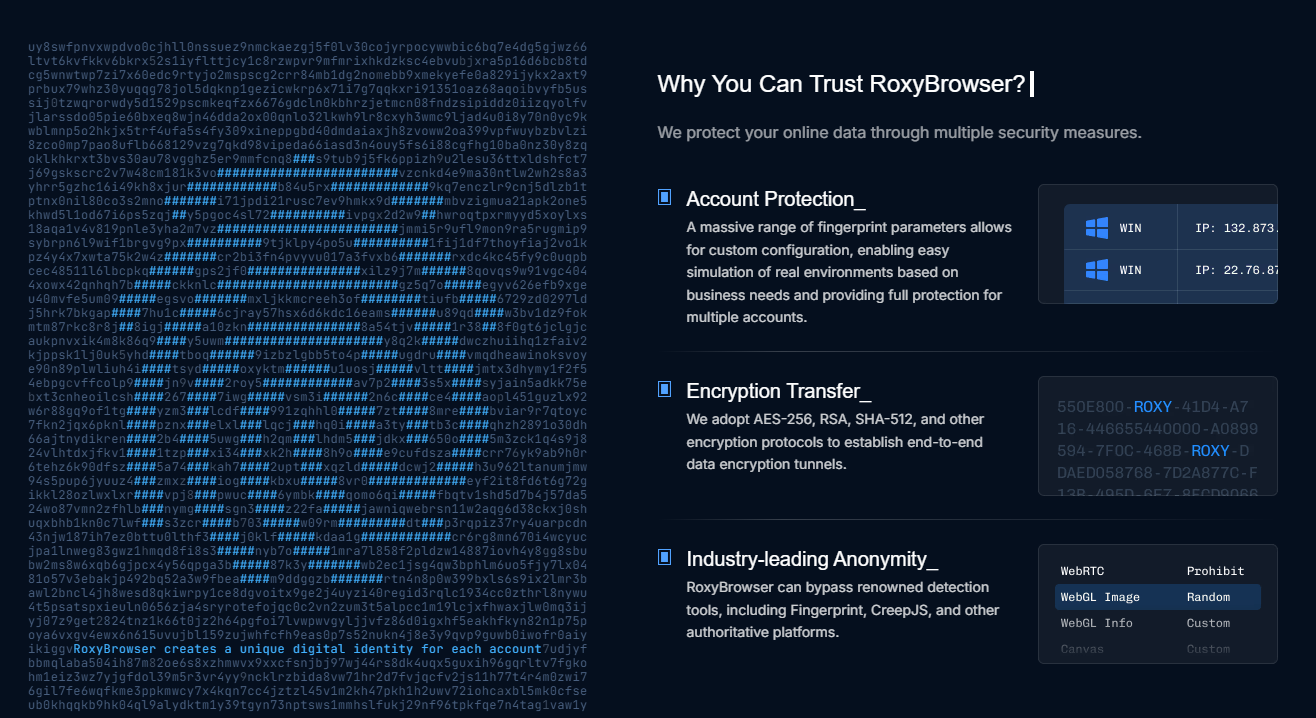
When you are managing business accounts and real money, security is everything. RoxyBrowser provides a rock-solid, fully isolated environment with premium residential IPs. This ensures your connections are lightning-fast, incredibly stable, and most importantly, your data is completely safe from any devastating leaks.
Incredibly Easy to Use
You do not need to be a tech expert to use this software. While other tools take hours to figure out, RoxyBrowser features a clean, simple, and plug-and-play interface. It is practically dummy-proof—you can set up your accounts in seconds without watching a single tutorial.
Better Value (Literally Half the Price)
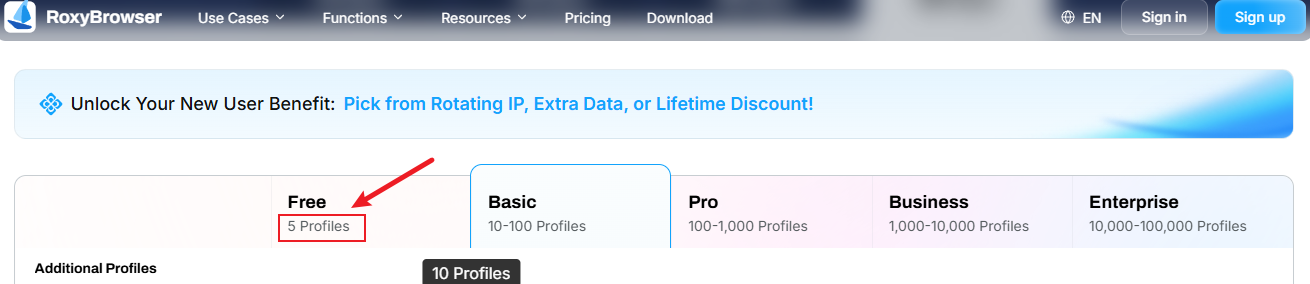
Budget is a huge deal when you are just starting out. Not only does RoxyBrowser give you 5 permanent free profiles right from the start (while the other guys only give you 2), but their paid plans are literally half the price of AdsPower. You get premium, top-tier protection for a fraction of the cost.