
In cross-border e-commerce, affiliate marketing, and social media management, running multiple accounts is essential—but getting banned is the ultimate nightmare. Traditional VPNs and “Incognito mode” can no longer bypass the sophisticated anti-fraud systems of platforms like Amazon, Facebook, and TikTok.
These platforms track your Canvas, WebRTC, fonts, and other hardware parameters to create a unique “browser fingerprint.” If they detect multiple accounts sharing the same fingerprint, your entire matrix will be suspended. In this guide, we review the 8 best antidetect and privacy browsers in 2026 designed to keep your business accounts 100% secure and isolated.
💡 Quick Solutions
Go straight to RoxyBrowser! It’s the all-in-one fingerprint browser that securely manages multiple accounts, isolates fingerprints, and prevents platform bans.
What is an Antidetect Browser?
An antidetect browser is an enterprise-grade tool specifically designed for multi-accounting. Instead of just hiding your IP address like a VPN, it modifies your underlying browser fingerprints (such as OS, hardware concurrency, WebGL, and timezones).
It creates a completely isolated and authentic physical environment for every single account. This tricks algorithms into believing that your 100 different accounts are being operated by 100 real, unconnected users around the world.
How to Choose an Antidetect Browser
When choosing an unblocked web browser, keep in mind your needs:
- Speed vs. Privacy: Do you prioritize fast streaming or strict anonymity?
- Device Compatibility: Some browsers are mobile-only, while others work across platforms.
- Ease of Use: A good unblock website browser should require little to no setup.
- Extra Features: Look for multi-profile support, fingerprint protection, or ad-blocking if these matter to you.
Here’s a quick look at which unblocked browser matches different needs, so you can instantly see which one fits you best.
| User Need | Best Fit |
|---|---|
| E-commerce Multi-Store Management (Amazon/Shopify) | RoxyBrowser, Opera, Aloha |
| Social Media & Ad Campaigns (FB/TikTok) | RoxyBrowser, Psiphon, Globus |
| Maximum privacy & anonymity | Tor, Epic |
| Lightweight daily browsing | RoxyBrowser, UR, Aloha |
| Multi-account management | RoxyBrowser |
8 Best Antidetect Browsers in 2026
We’ll go straight to the top 8 unblocked browsers in 2026, explain their unique features, and help you choose the best option for school, work, or restricted regions.
RoxyBrowser: The Ultimate Enterprise-Grade Antidetect Browser
RoxyBrowser is purpose-built for digital marketers, agencies, and e-commerce teams managing multiple accounts. It’s designed for people who want simple, one-click access to blocked websites without needing complex VPNs or proxy setups.
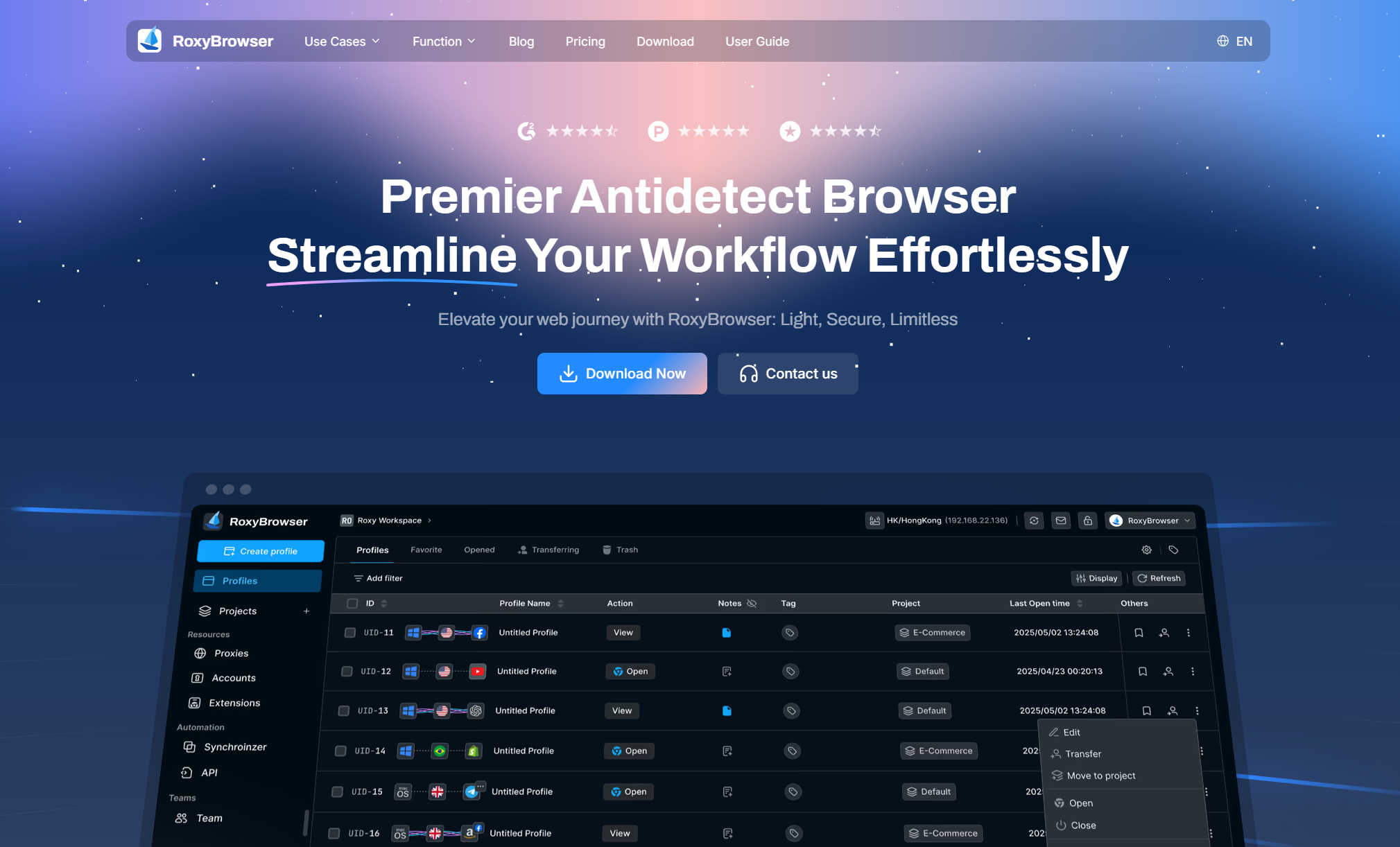
Unlike general browsers that rely only on VPNs, RoxyBrowser integrates advanced proxy technology and customizable fingerprints, making it far more effective at bypassing detection.
Unlike standard VPNs that only hide your IP, RoxyBrowser allows you to safely operate 100+ accounts on platforms like Amazon, Facebook, TikTok, and Shopify. Whether you are running global ad campaigns, managing affiliate networks, or scaling your e-commerce business, RoxyBrowser delivers a seamless, zero-ban environment with fully isolated hardware fingerprints.
| ✅ Pros | ❌ Cons |
|---|---|
| Easy one-click access to blocked sites | Desktop-focused; mobile version still limited |
| Supports multiple profiles for secure browsing | |
| Strong privacy and fingerprint customization | |
| Works smoothly with streaming platforms (Netflix, YouTube, TikTok, Instagram, Twitter) |
Opera Browser: Unblocked Browser with Built-in VPN
Opera has earned its popularity thanks to its built-in VPN, which allows users to stream region-locked content or access restricted sites without installing additional software.
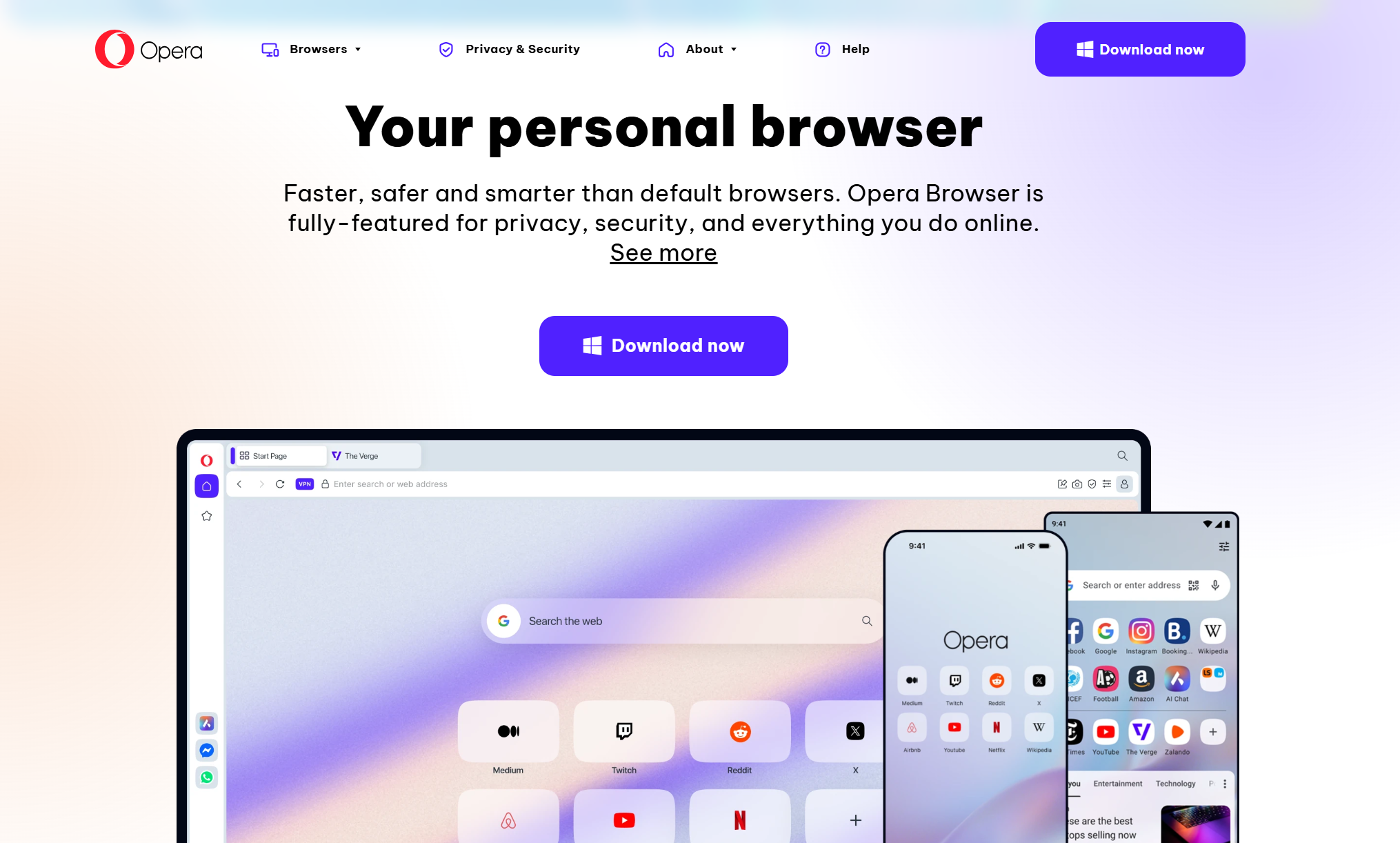
Many freelancers and casual users rely on Opera to quickly browse basic websites, or catch up on news from abroad. Its cross-platform support ensures that your browsing experience is consistent whether you’re on Windows, Mac, Android, or iOS.
Opera also offers ad-blocking and battery-saving features, making it an attractive option for users who value smooth and uninterrupted browsing. While its VPN server selection is somewhat limited, Opera remains a solid choice for quick, everyday streaming and casual unblocking.
| ✅ Pros | ❌ Cons |
|---|---|
| Simple VPN toggle, beginner-friendly | VPN servers are limited compared to paid VPNs |
| Works well for streaming and browsing | Privacy is weaker than Tor or Epic |
| Large community and regular updates | Only masks IP. Cannot spoof hardware fingerprints. Highly dangerous for commercial multi-accounting (leads to account bans). |
Tor Browser: High-Anonymity Browser that Unblocks Sites
Tor Browser focuses on anonymity and security, routing traffic through multiple servers worldwide. It’s ideal for users in highly restricted regions who prioritize privacy over speed. Journalists, researchers, and privacy-conscious individuals often use Tor to access censored information without leaving traces.
Its interface is straightforward, and the built-in features include tracker blocking and encrypted communication. While Tor can be slower than mainstream browsers, it excels at keeping your online identity hidden. Users can also adjust circuits to optimize performance or access content from different regions.
| ✅ Pros | ❌ Cons |
|---|---|
| Excellent for anonymity and privacy | Slower browsing speed |
| Effective against strong censorship | Not ideal for streaming or heavy downloads |
| Free with no ads |
Psiphon Browser: Mobile Unblocked Browser
Psiphon is widely recognized for mobile use in restrictive regions, combining VPN, SSH, and proxy technology. It is particularly useful for travelers or students who need quick access to blocked websites on the go. Its mobile apps are lightweight, easy to install, and capable of bypassing strict firewalls without complex configuration.
Psiphon provides multiple connection methods, allowing users to switch between VPN and proxy modes depending on network conditions. While free users encounter ads and variable speeds, the premium version offers a more stable connection and faster throughput.
| ✅ Pros | ❌ Cons |
|---|---|
| Reliable in highly censored environments | Ads in the free version |
| Simple to use on mobile devices | Speeds vary depending on network |
| Multiple connection methods for better unblocking | Only masks IP. Cannot spoof hardware fingerprints. Highly dangerous for commercial multi-accounting (leads to account bans). |
Aloha Browser: Built for Mobile Streaming
Aloha Browser is designed with mobile streaming in mind, offering a built-in unlimited VPN and private file storage.
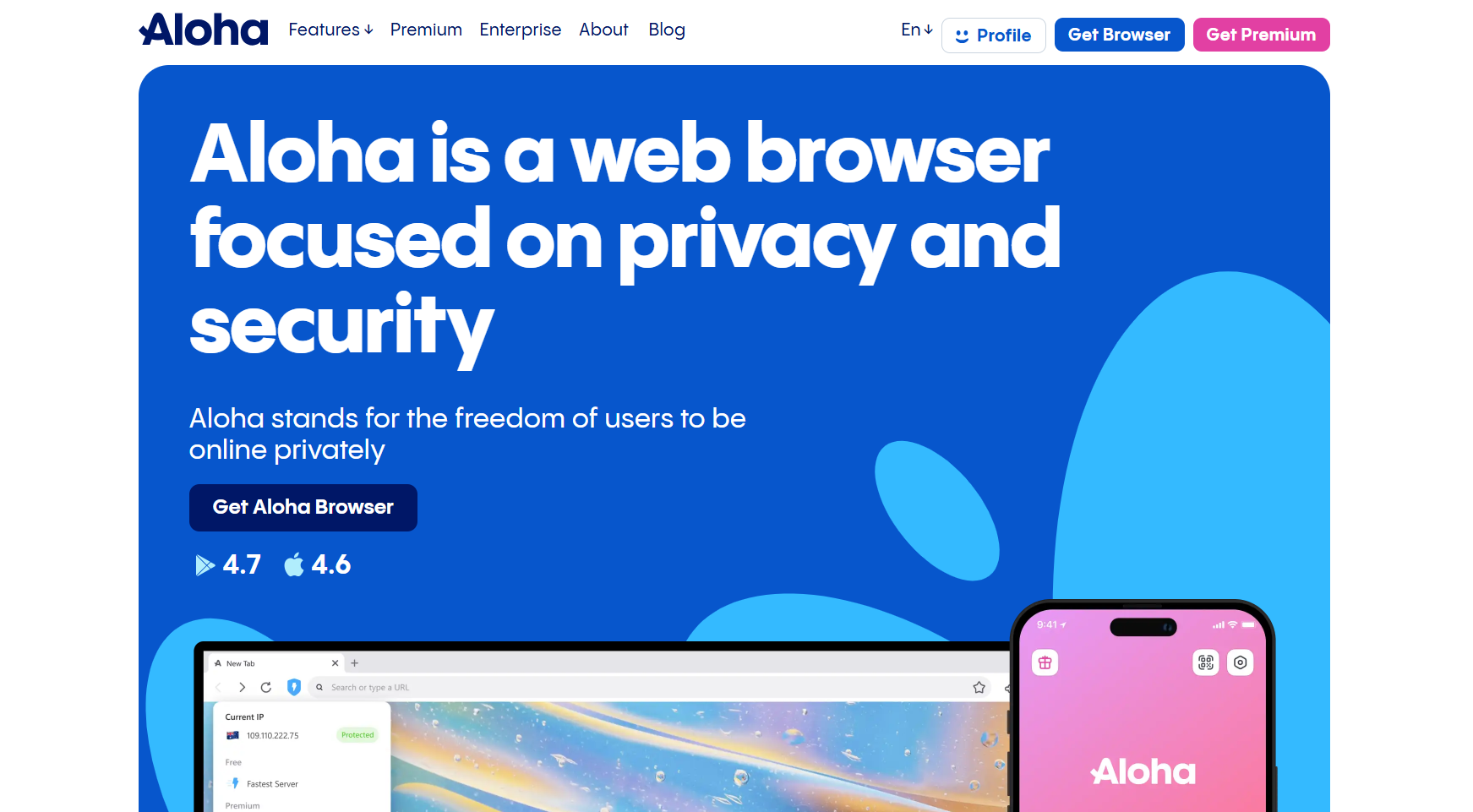
Users can watch videos, stream content, or access social media platforms without worrying about geo-blocking. Its ad-blocking and privacy settings make it a good choice for users who consume entertainment while maintaining a secure browsing environment.
Although primarily mobile-focused, Aloha delivers smooth streaming performance and is appreciated for its simplicity. It also supports basic privacy controls and allows for easy downloading and offline viewing of media files.
| ✅ Pros | ❌ Cons |
|---|---|
| Great for mobile entertainment | Mostly mobile-only (not for desktops) |
| Unlimited VPN included for free | Premium plan needed for advanced features |
| Smooth streaming with fewer interruptions | Only masks IP. Cannot spoof hardware fingerprints. Highly dangerous for commercial multi-accounting (leads to account bans). |
UR Browser: Unblocked Browser for Casual Surfing
UR Browser is ideal for users seeking lightweight, fast, and secure browsing. It includes ad-blocking, tracker protection, and a simple interface, making everyday tasks smooth and efficient. Students and casual users often prefer UR for basic unblocking needs or routine web surfing.
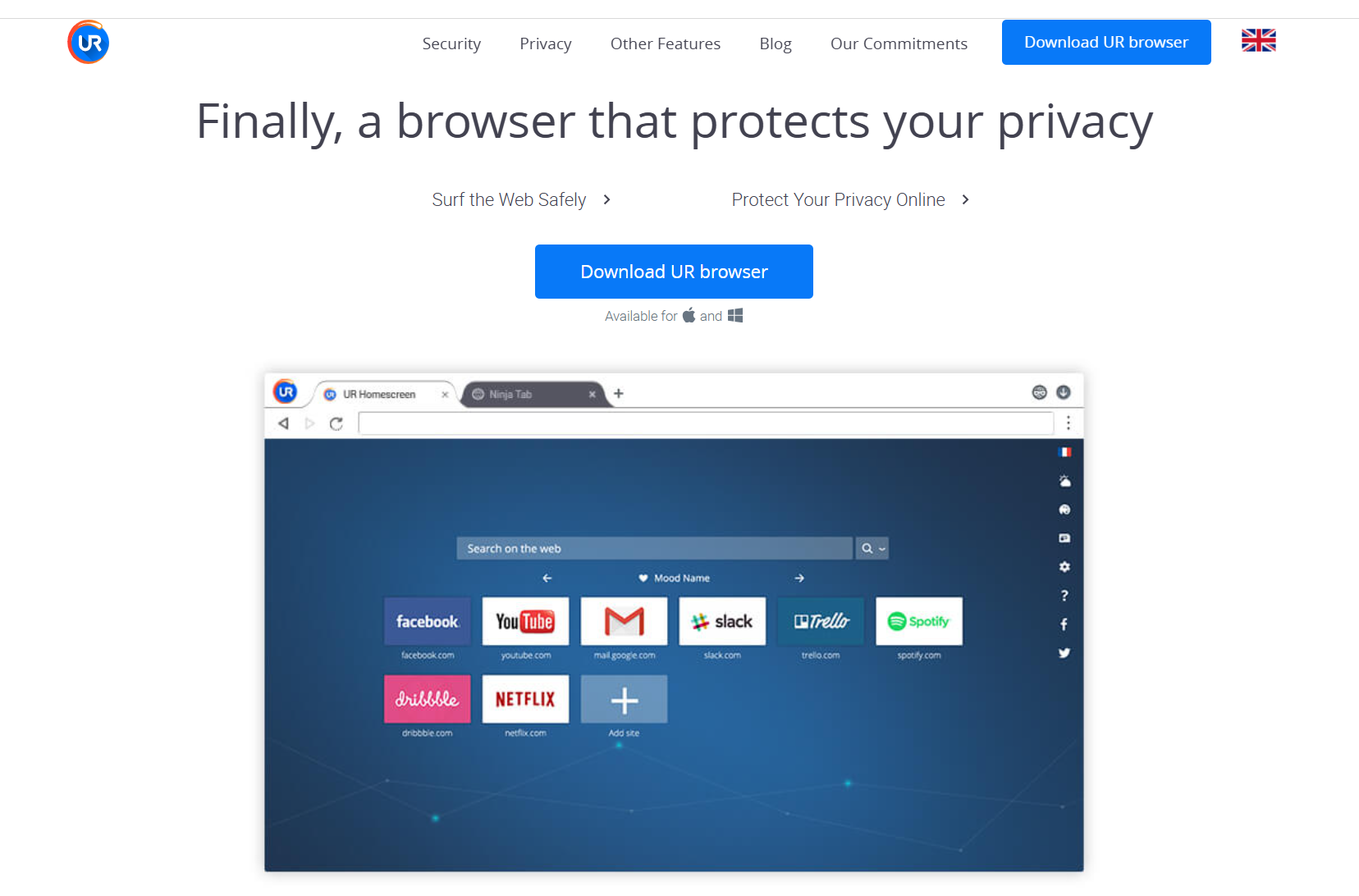
Its built-in privacy tools offer a degree of security without overwhelming users, and it loads pages quickly even on slower connections. While it lacks advanced features such as multi-profile support or integrated streaming optimizations, UR remains a solid option for speed-focused browsing.
| ✅ Pros | ❌ Cons |
|---|---|
| Lightweight and fast | Not as widely supported or recognized |
| Good balance of speed and privacy | Fewer advanced features compared to Opera or Tor |
| Ad-blocking improves browsing experience |
Globus Browser: Bypassing Georestrictions in Most Cases
Globus Browser combines proxy and VPN functionality to help users bypass regional restrictions easily. It is particularly suited for users who want a straightforward solution without dealing with multiple settings. Windows users often rely on Globus for basic unblocking needs or to access social media sites during network restrictions.
The interface is clean and simple, and users can connect with one click. While Globus lacks extra features like streaming optimization or multi-profile support, it remains a reliable choice for straightforward access to blocked sites.
| ✅ Pros | ❌ Cons |
|---|---|
| Simple, straightforward to use. | Limited features beyond unblocking |
| Built-in VPN proxy included | Smaller user base and fewer updates |
| Good option for basic unblocking needs | Only masks IP. Cannot spoof hardware fingerprints. Highly dangerous for commercial multi-accounting (leads to account bans). |
Epic Privacy Browser
Epic Privacy Browser emphasizes privacy and encrypted traffic. It blocks ads, trackers, and fingerprinting by default, making it suitable for users who want a secure browsing experience with minimal interference. Its encrypted proxy ensures that browsing activity remains private, ideal for students or employees concerned about surveillance.
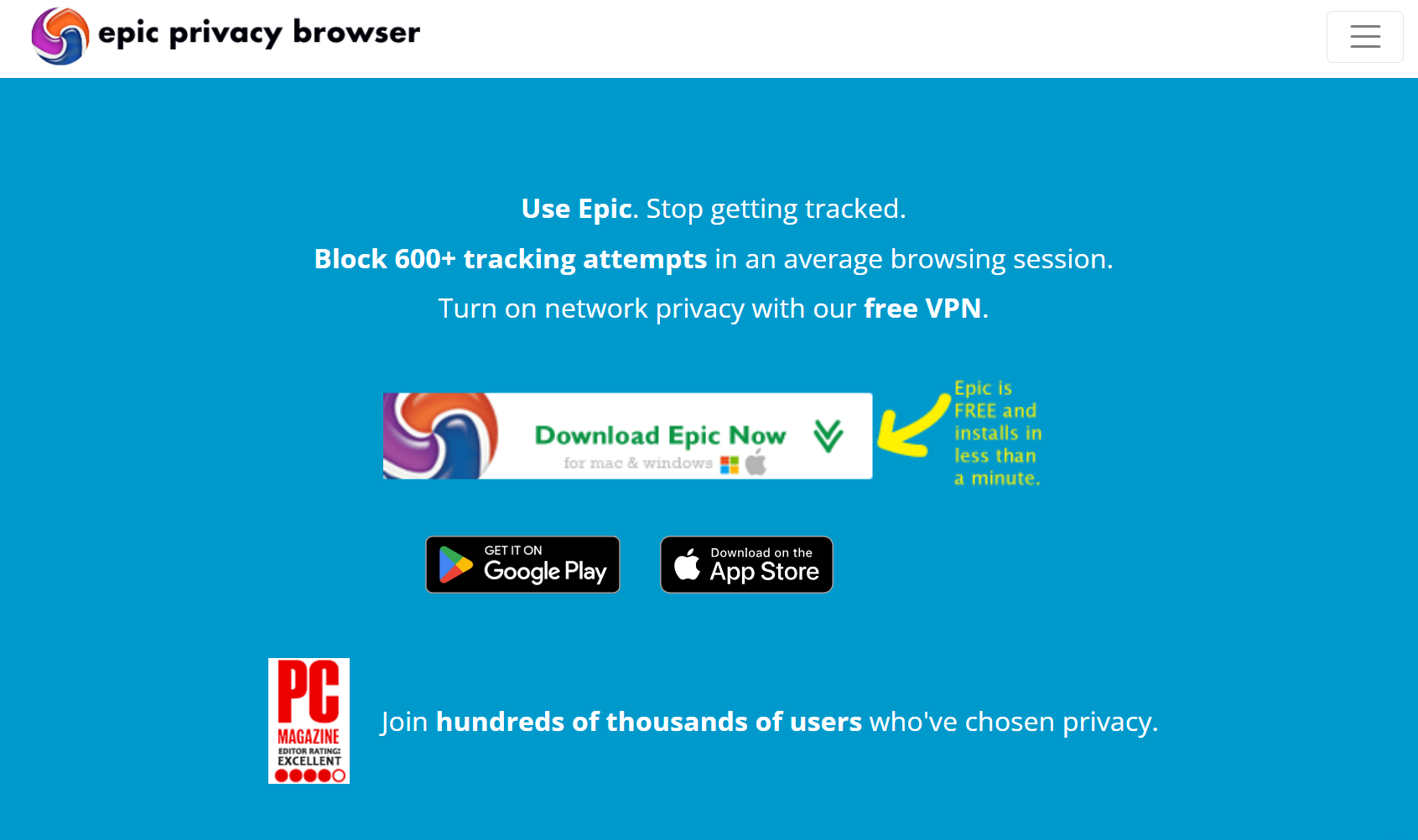
Epic’s focus is on security rather than multimedia, so while it handles web unblocking well, it may not provide the smoothest streaming experience. Its minimal interface keeps distractions low and protects sensitive information effectively.
| ✅ Pros | ❌ Cons |
|---|---|
| Strong privacy with no history tracking | Less customizable than mainstream browsers |
| Good for bypassing restrictions | Some websites may break due to strict privacy settings |
| Free encrypted proxy built in | Only masks IP. Cannot spoof hardware fingerprints. Highly dangerous for commercial multi-accounting (leads to account bans). |
Comparison Table of the Top 8 Unblocked Browsers
| Browser | Key Strength | Device Support | Best For | Free/Premium |
|---|---|---|---|---|
| RoxyBrowser | Proxy + fingerprint masking | Windows, Mac | All-in-one solution for school, work, streaming & privacy | Free & Paid |
| Opera | Built-in VPN | Win, Mac, Android, iOS | Streaming & casual use | Free |
| Tor | High privacy & anonymity | Win, Mac, Linux | Restricted regions, privacy users | Free |
| Psiphon | VPN + SSH + Proxy | Android, iOS, Win | Mobile users in strict firewalls | Free & Paid |
| Aloha | Unlimited free VPN | Android, iOS | Mobile entertainment streaming | Free & Paid |
| UR Browser | Lightweight + privacy tools | Windows, Mac | Fast everyday browsing | Free |
| Globus | Built-in VPN proxy | Windows | Simple unblocking needs | Free |
| Epic | Encrypted proxy + privacy | Windows, Mac | Privacy-conscious users | Free |
Final Thoughts
In 2026, internet restrictions are still common—but you don’t have to be limited. While there are several good unblocked browsers, RoxyBrowser stands out as the best all-around solution. With built-in proxies, strong privacy tools, and reliable performance across schools, workplaces, and restricted regions, it’s the most practical choice for most users.
Still, alternatives like Opera, Tor, or Psiphon may suit specific needs. By matching your situation with the right tool, you’ll always have the freedom to access any site you want.


