
CAPTCHAs protect websites from automated and unusual requests, often appearing in sign-up, login, checkout, accessibility, and fraud-prevention flows. In a first-party site or approved test environment, use official test keys, allowlists, or test accounts before considering a CAPTCHA-solving service.
A service or extension should be considered only when an authorized QA, accessibility, or internal automation workflow still requires challenge handling. A returned token does not guarantee that the workflow will finish: session state, page implementation, token lifetime, and rate limits can affect the final result.
For development, QA, and compliance teams comparing the best CAPTCHA solving tools for websites, the practical question is whether a provider supports the relevant challenge type, fits the approved workflow, handles data appropriately, and leaves enough audit evidence to investigate failures. This guide evaluates the best tools for solving CAPTCHAs through that operational lens.
TL;DR
CAPTCHA-solving tools fall into three groups: APIs, human-assisted services, and browser extensions. APIs suit repeatable, authorized testing; human assistance can help with complex challenges; extensions suit low-volume, attended QA or accessibility work. Choose based on completed-task cost, end-to-end latency, reliability, and data-handling requirements—not headline price alone.
When an authorized test requires separate browser settings, cookies, extensions, and activity records by project, RoxyBrowser can be used to manage isolated browser profiles. The goal is reproducibility and separation of test environments; it does not alter a target site’s access controls.
How to Evaluate CAPTCHA-Solving Tools for Websites
Start by defining what “complete” means. Returning a token is not the same as completing a business task. A submitted form, a started download, or a finished accessibility flow is closer to the result that matters. In authorized tests, record completed tasks, challenges shown, provider-side failures, expired tokens, retry counts, and manual handling time.
Next, confirm the challenge type and the integration model. reCAPTCHA, hCaptcha, Cloudflare Turnstile, image challenges, text challenges, and token-based flows differ substantially in implementation.
Treat current vendor documentation and controlled testing as the source of truth for a provider’s claimed support. REST APIs commonly integrate with authorized Python, JavaScript, Selenium, Playwright, and Puppeteer workflows. SDKs, webhooks, browser extensions, and dashboards change how a team operates and maintains that integration. The Playwright documentation can help validate framework capabilities, but a framework does not grant permission to automate a third-party website.
| Evaluation area | API service | Human-assisted service | Browser extension |
|---|---|---|---|
| Best-fit work | Authorized testing and systems integration | Complex or fast-changing authorized challenges | Personal accessibility support and manual QA |
| Primary measures | Completion rate, latency, retry volume | Completion rate, queue wait, quality variation | Page compatibility and operator time |
| Typical controls | Timeouts, callbacks, concurrency, logs | Queues, cancellation, data handling | Extension permissions, versions, browser compatibility |
| Useful cost basis | Total cost per completed task | Service cost plus waiting and review time | Maintenance time and extension risk |
| Poor fit | Unauthorized large-scale access | Sensitive data without a data-processing agreement | Unattended or high-concurrency production work |
Unit price is only part of the cost. Minimum deposits, failed-task refunds, subscription thresholds, and concurrency limits can materially change the effective rate. Where a test key must be used in a browser, keep it in a controlled secrets system or managed environment variable. Link every service request to an internal task ID so unusual spend can be investigated.
7 Best Tools for Solving CAPTCHAs in 2026
The following list is organized by common use case, not by a universal performance ranking. Inclusion reflects publicly documented challenge coverage, integration methods, and compliance boundaries. It is not a claim that any provider will work on every website.
| Tool | Approach and integration path | Major coverage listed by the vendor | Pricing and performance evidence |
|---|---|---|---|
| CapSolver | AI API; Python/Node.js SDKs; Selenium, Playwright, Puppeteer, and n8n integrations; Chrome/Firefox extensions | reCAPTCHA v2/v3, Turnstile, Cloudflare Challenge, AWS WAF, GeeTest, and more | Per 1,000 requests; vendor lists prices and speeds for several challenge types |
| 2Captcha | Human-worker API, multilingual clients, software integrations, and browser extensions | Image CAPTCHAs, reCAPTCHA, hCaptcha, FunCaptcha, GeeTest, Turnstile, and more | Per 1,000 requests; pricing page also lists speed and per-minute capacity |
| Anti-Captcha | Human-worker API and browser plug-in; task creation, retrieval, cancellation, and queue statistics | Image CAPTCHAs, reCAPTCHA v2/v3/Enterprise, Arkose, GeeTest, Turnstile, Friendly Captcha, and more | Per 1,000 requests; vendor table lists a five-second solve time and idle capacity per minute |
| CapMonster Cloud | Cloud AI API; C#, Python, JavaScript, Go, and PHP SDKs; Chrome/Firefox extensions | reCAPTCHA v2/v3/Enterprise, Turnstile/Bot Challenge, AWS WAF, GeeTest, DataDome, Imperva, and more | Per 1,000 successful tokens; vendor publishes success-rate figures |
| NextCaptcha | API endpoints including createTask, getTaskResult, and getToken |
reCAPTCHA v2/v3/Enterprise/Mobile and Cloudflare Turnstile | Per 1,000 successful requests; vendor lists price, speed, and success-rate figures |
| DeathByCaptcha | Hybrid AI OCR and human team; API clients and automation-framework integrations | Standard images, reCAPTCHA v2/v3/Invisible/Enterprise, GeeTest, Turnstile, audio, and more | Per 1,000 correct results; vendor says it charges only for correct solutions |
| Buster | Chrome/Firefox extension with an optional local client | reCAPTCHA audio challenges only | GPL-3.0 open-source project, not a per-task API service |
1. CapSolver
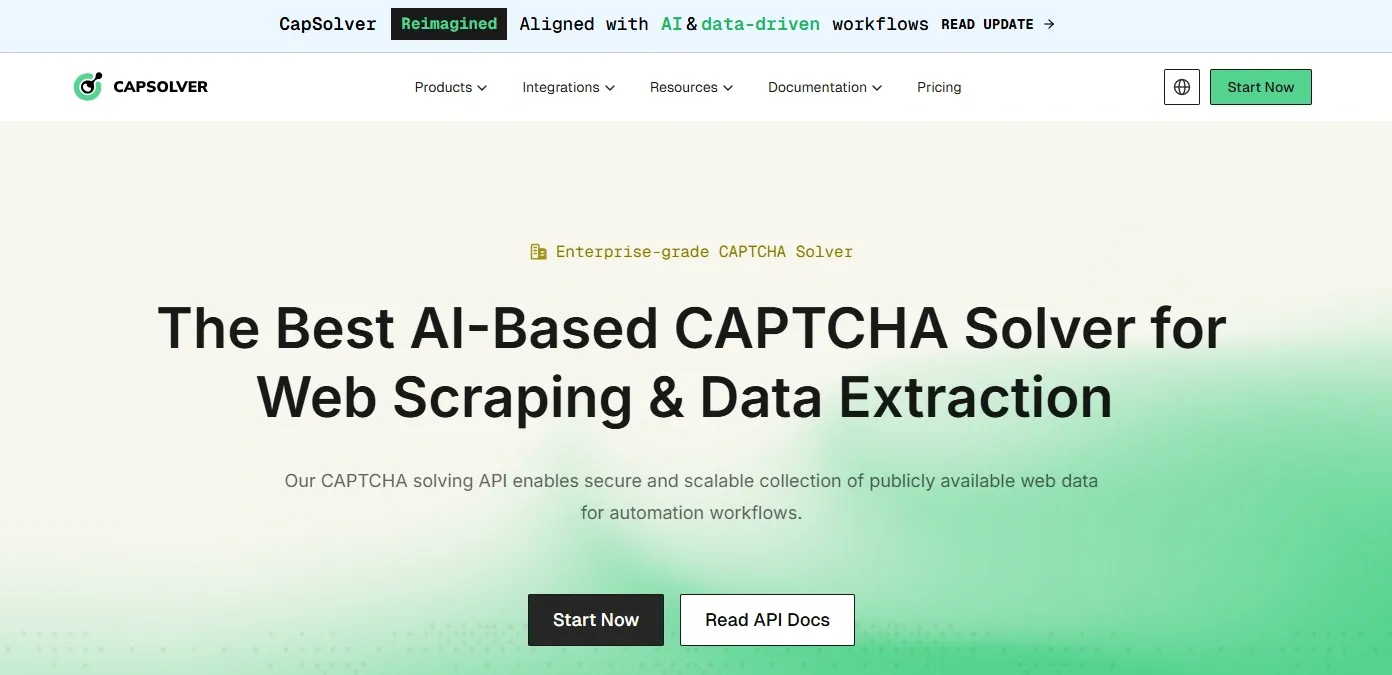
- Positioning and use case: CapSolver is an AI-based API service with a REST API, Python and Node.js SDKs, integrations for Selenium, Playwright, Puppeteer, and n8n, plus Chrome and Firefox extensions. Its product and integration pages list reCAPTCHA v2/v3, Turnstile/Challenge, AWS WAF, GeeTest, and other challenge types. It can fit authorized workflows that already use automation testing or RPA pipelines.
- Published capability and pricing evidence: The vendor’s pricing area lists reCAPTCHA v2 at
$0.80/1,000, v3 at$1.00/1,000, and Turnstile at$1.20/1,000. The same pages report response speeds of<5 seconds,<3 seconds, and<3 seconds, respectively. - Operational notes: Confirm failure billing before purchase. Keep keys server-side, link each request to an internal task ID, and set timeouts, retry caps, and budget alerts. Evaluate end-to-end page completion, expired tokens, and manual interventions—not only API response time.
2. 2Captcha
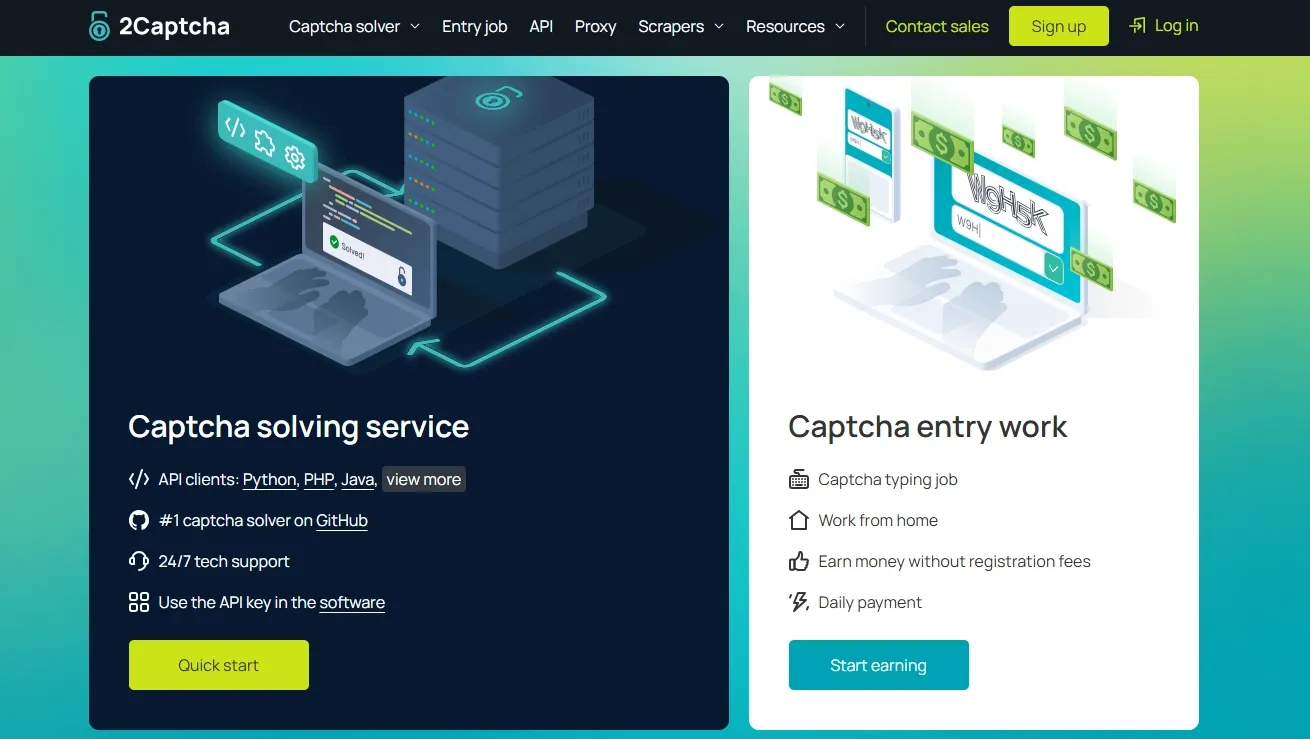
- Positioning and use case: 2Captcha uses human workers and offers API clients, software integrations, and browser extensions. Its pricing and capacity page lists image CAPTCHAs, reCAPTCHA, hCaptcha, FunCaptcha, GeeTest, AWS WAF, Turnstile, click, slider, and audio tasks. Broad challenge coverage is a characteristic of its human-assisted path, but waiting time depends on the queue.
- Published capability and pricing evidence: Its current table prices tasks per 1,000 requests. Examples include reCAPTCHA v2 at
$1.00-$2.99, hCaptcha at$2.99, and Turnstile at$1.45; it also lists speed and available per-minute capacity by challenge type. - Operational notes: Confirm refund rules by task type and complete data-processing review before sending personal or authenticated content. Define polling, maximum wait, and cancellation; measure queue time separately from page time. For a fair pilot, keep the account and page version fixed, then compare completion rate, waiting time, and total cost.
3. Anti-Captcha
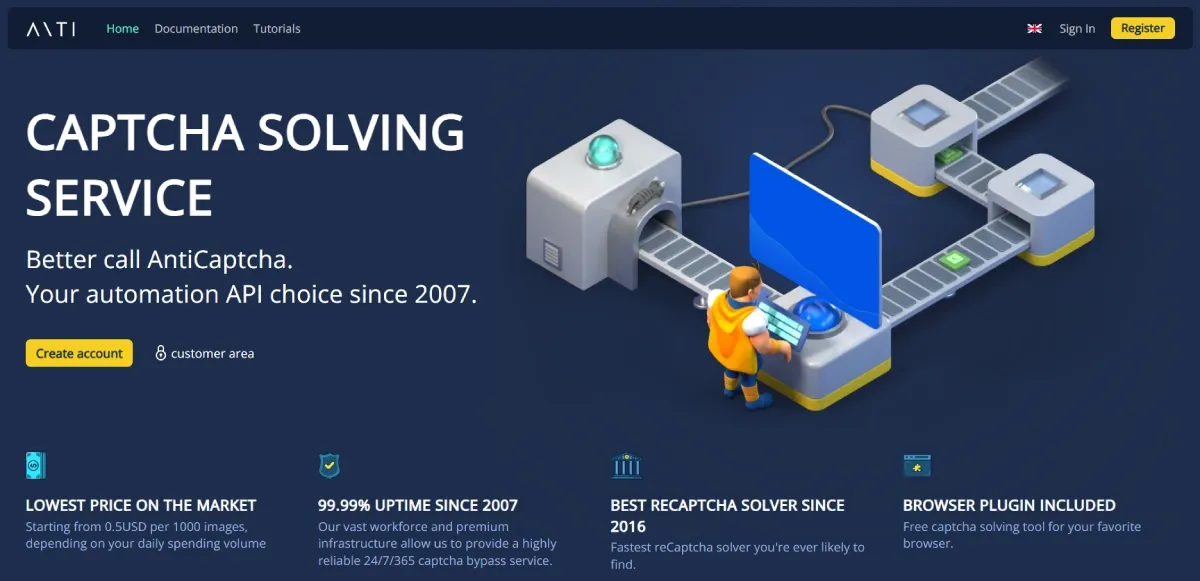
- Positioning and use case: Anti-Captcha relies on a global human workforce. Its API includes
createTask,getTaskResult,getQueueStats, error reporting, and spend statistics, alongside a browser plug-in. Its pricing table and API documentation list image tasks, reCAPTCHA, Arkose, GeeTest, Turnstile, Prosopo, Friendly Captcha, and custom tasks. It can suit engineering teams that need to observe queues, balances, and task state. - Published capability and pricing evidence: The vendor table lists image tasks at
$0.50-$0.70/1,000, reCAPTCHA v2 at$0.95-$2.00/1,000, GeeTest at$1.80/1,000, and Turnstile at$2.00/1,000. It also displays a5-secondspeed figure and idle capacity per minute. - Operational notes: Verify refunds per task type and validate results in the page, since tokens can expire. Bind vendor and internal task IDs, log creation, polling, cancellation, and feedback, and treat queue statistics as capacity signals rather than completion evidence. Review balances, queue time, errors, and final page outcomes together.
4. CapMonster Cloud
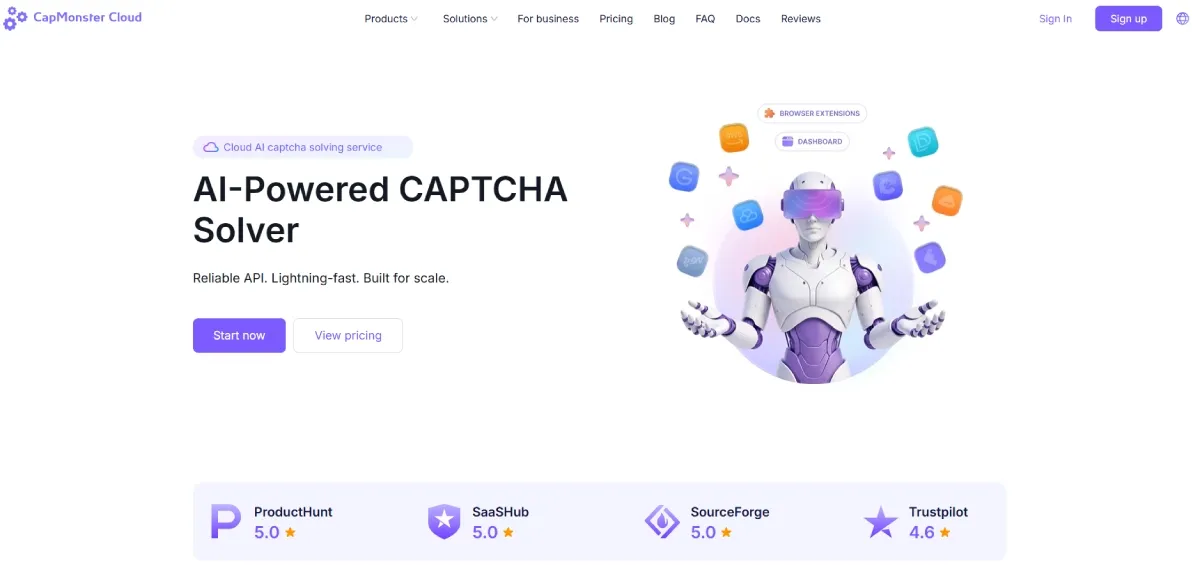
- Positioning and use case: CapMonster Cloud is a cloud AI API with C#, Python, JavaScript, Go, and PHP SDKs, as well as Chrome and Firefox extensions. Its product and pricing page lists reCAPTCHA, Turnstile/Bot Challenge, AWS WAF, GeeTest, DataDome, Imperva, and other types. For an authorized team that already has queues, monitoring, and credential governance, an SDK and API are usually more suitable than an extension.
- Published capability and pricing evidence: Pricing is shown per
1,000 successful tokens, and the vendor says it charges only for CAPTCHAs it identifies successfully. Listed examples include reCAPTCHA v2 at$0.60, v3 at$0.90, v2 Enterprise at$1.00, Turnstile at$1.30, and GeeTest at$1.20. The page also shows vendor-reported success rates. - Operational notes: Vendor success rates are not page-level results. Wrap SDK calls in a controlled internal service with credential handling, error classification, retry limits, and budget alerts. Compare billed successes with completed tasks and investigate timing or configuration gaps before scaling.
5. NextCaptcha
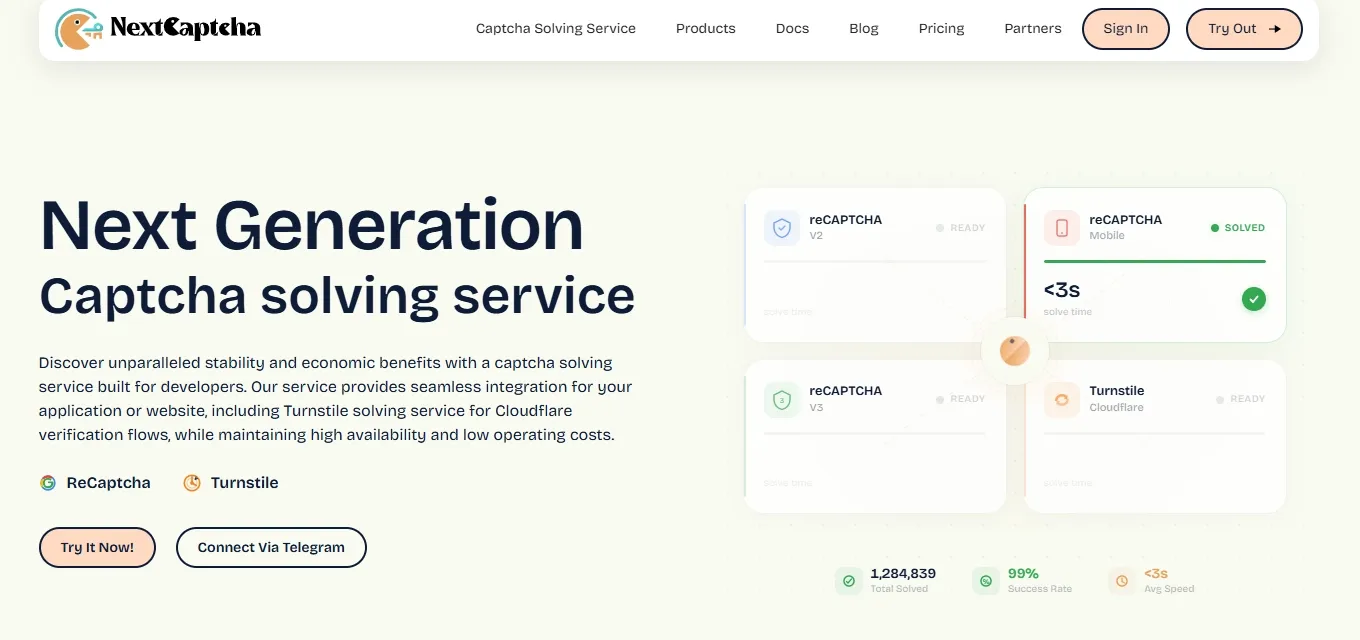
- Positioning and use case: NextCaptcha is an API service with documented paths for
createTask,getTaskResult,getToken,getBalance, and error codes. Its API documentation lists reCAPTCHA v2/v3/Enterprise/Mobile and Turnstile, and distinguishes proxy and proxyless tasks. It can fit authorized page tests that need close control of task parameters and token timing. - Published capability and pricing evidence: The pricing page lists reCAPTCHA v2 at
$0.50/1,000, with99%and<6 seconds; v2 Enterprise at$0.60-$1.00/1,000, with99%and<10 seconds. It also states that successful requests are billed and failed requests are not. - Operational notes: Treat the vendor’s 99% figure as a claim to test. Version-control task parameters and record page version, environment, creation time, and token-use time. Use balance checks for alerts, cover timeouts and page refreshes, and reconcile provider success, page pass, and final cost.
6. DeathByCaptcha
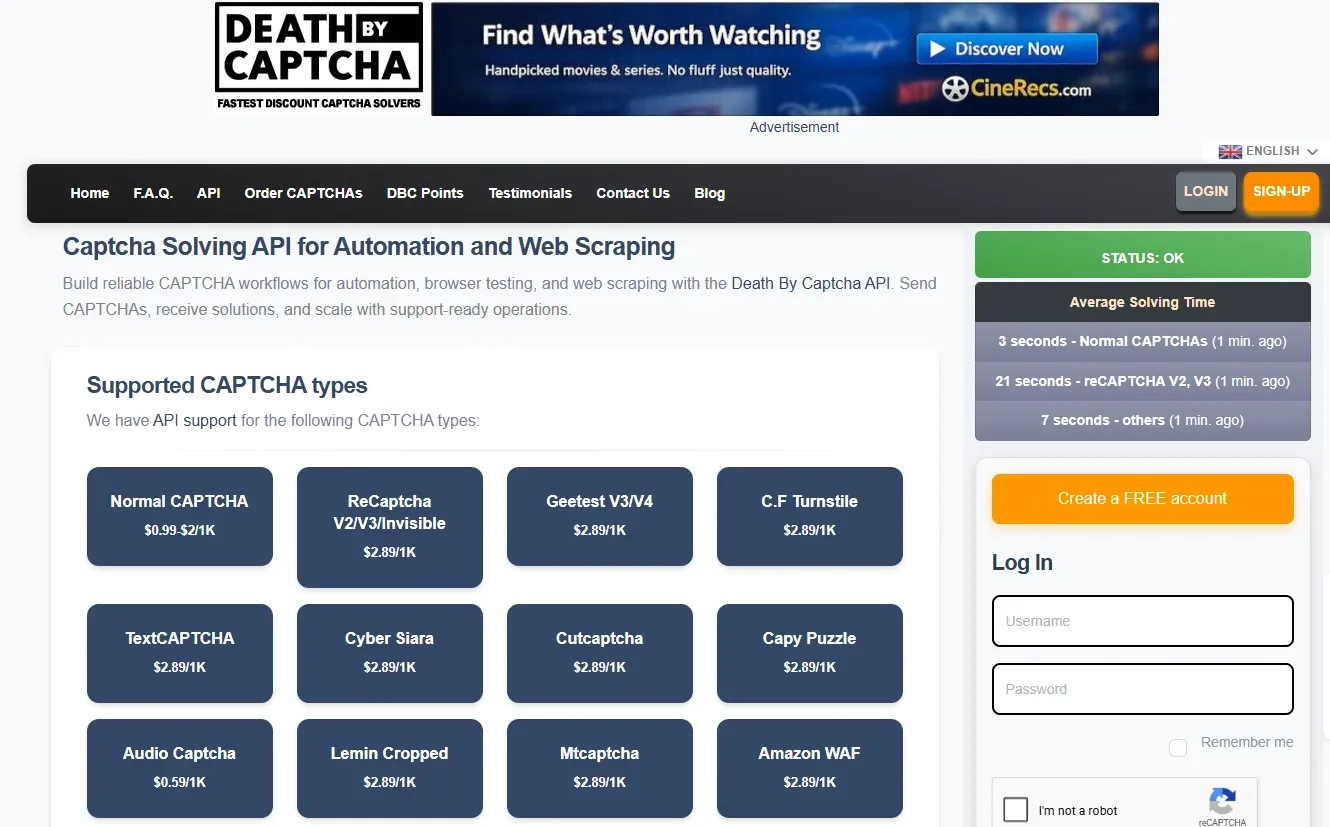
- Positioning and use case: DeathByCaptcha describes itself as a hybrid system combining AI OCR with a 24/7 human team. It provides API clients and integration entry points for Playwright, Selenium, Puppeteer, Python, and other tools. Its website and API page list text, image, reCAPTCHA, GeeTest, Turnstile, audio, and related challenge types. It can be a candidate when comparing the cost, queueing, and end-to-end latency of automated and human paths.
- Published capability and pricing evidence: The site lists standard CAPTCHAs at
$0.99-$2.00/1,000, with reCAPTCHA, GeeTest, and Turnstile at$2.89/1,000. It says charges apply only to correctly solved CAPTCHAs. - Operational notes: The site does not publish a universal success rate, throughput, or SLA. Track automated and human paths separately, and confirm its definition of a correct result, disputes, and refunds. Include wait and review time in total cost; use minimal test data where human handling could expose content.
7. Buster
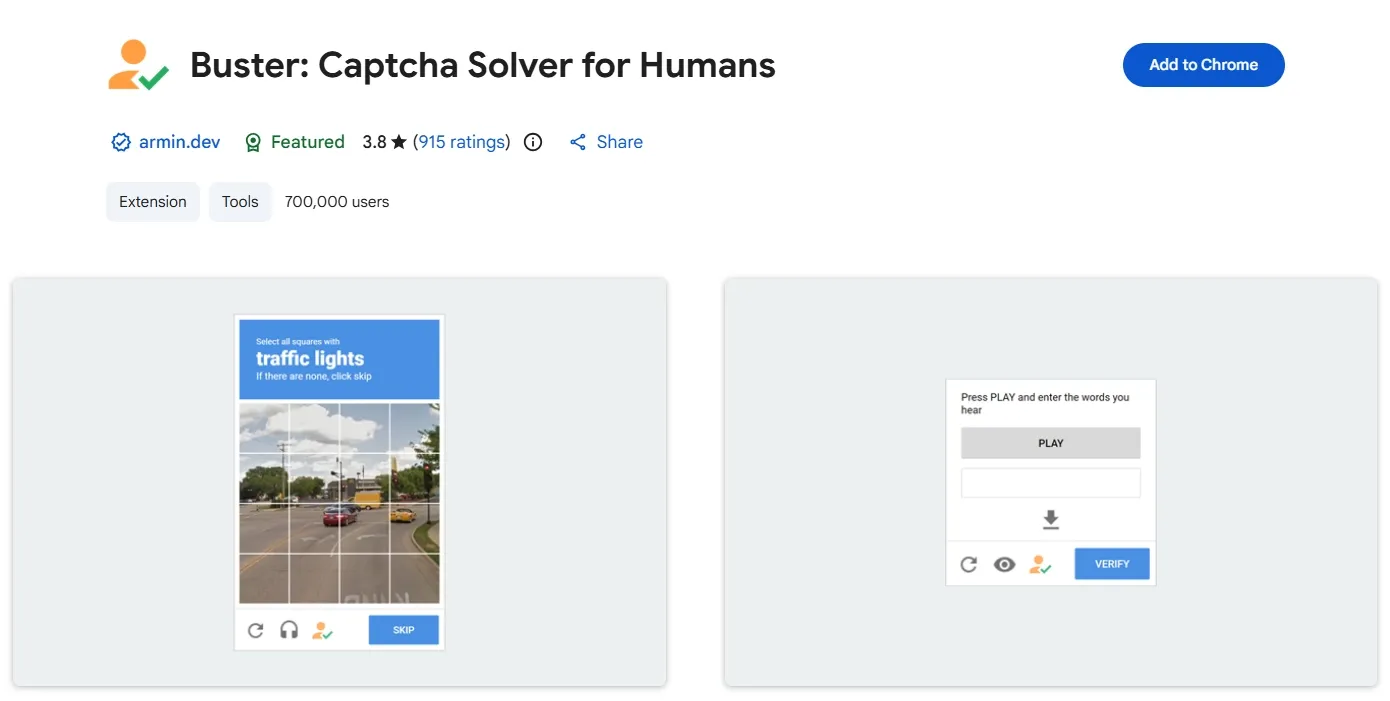
- Positioning and use case: Buster is a browser extension, not a task-submission API. Its official README says users can use the extension button with reCAPTCHA audio challenges. It is better suited to low-volume, attended accessibility support or manual QA than as a substitute for a token service.
- Published capability and pricing evidence: The repository is a GPL-3.0 open-source project. It does not offer per-task or volume API pricing, nor does it publish comparable speed, success-rate, throughput, or SLA figures.
- Operational notes: Buster has no published speed, success-rate, throughput, or SLA. Use it only for permitted, attended browser work; review its permissions and update policy, and install it in a dedicated test profile. Its real cost is compatibility testing, maintenance, and operator time—not per-task fees.
The seven tools above are only a starting point. Before comparing prices or feature lists, decide whether an API, a human-assisted service, or a browser extension matches the approved workflow. That choice determines the operational controls, data-handling review, and metrics that matter most.
What Is the Best CAPTCHA Solver Extension for Authorized Work?
The right extension fits low-volume, attended accessibility or manual QA work. Check challenge support, permissions, browser compatibility, and extension version. For recurring workflows, APIs offer clearer controls over task IDs, errors, retries, and spend. Keep project profiles, test accounts, and activity records separate using multi-account management; use least-privilege keys and redacted failure logs.
Choosing the Best CAPTCHA Solver Service for Web Scraping in Australia
First confirm permission to scrape. Then determine whether Australian egress is necessary and measure latency across your infrastructure, provider, and target. In a fixed, written-authorized pilot, compare end-to-end latency, failures, retries, support, billing currency, and data handling.
Record location, DNS path, session affinity, and site terms separately; a residential proxy does not override geographic restrictions. For personal or regulated data, review provider access, retention, and data-processing terms before purchase.
AI vs. Human CAPTCHA-Solving Services: Which Is a Better Fit?
The key distinction between AI CAPTCHA-solving services and human-assisted services is the handling path, not a universal claim that one is better. API-based automated recognition often fits authorized workflows that value speed, repeatability, and programmatic logs.
Human assistance can be useful for some complex or rapidly changing approved challenges, but it introduces queue delays, quality variation, and additional data-processing review.
Run candidate services against the same authorized task with the same page version, browser configuration, and timeout policy. Compare completion rate, P50/P95 latency, manual-intervention time, expired-token count, and cost per completed task.
An automated path may be faster but produce more expired tokens; a human path may wait longer but complete a particular challenge category more consistently. Select on the business requirement for timeliness and stability, not an abstract winner.
Modern risk controls may combine session data, request rate, device signals, and page interaction. High-frequency replay or mixing cookies from unrelated projects can both distort test results and breach website terms. A stable environment, controlled request cadence, and official test accounts normally make diagnosis more reliable than repeatedly switching tools.
A Compliant RoxyBrowser Workflow for CAPTCHA-Solving Tools
This workflow applies to permitted QA, accessibility checks, and internal automation—not bypassing access controls or collecting restricted content.
Keep the Test Environment Stable First
Repeated CAPTCHA prompts do not necessarily indicate a service problem. An expired login session, page refresh, unusual request cadence, browser-configuration change, or missing permission can trigger a challenge. When an authorized form still fails after a token is returned, record the page URL, task ID, task creation and return times, session state, and error code before deciding whether to retry.
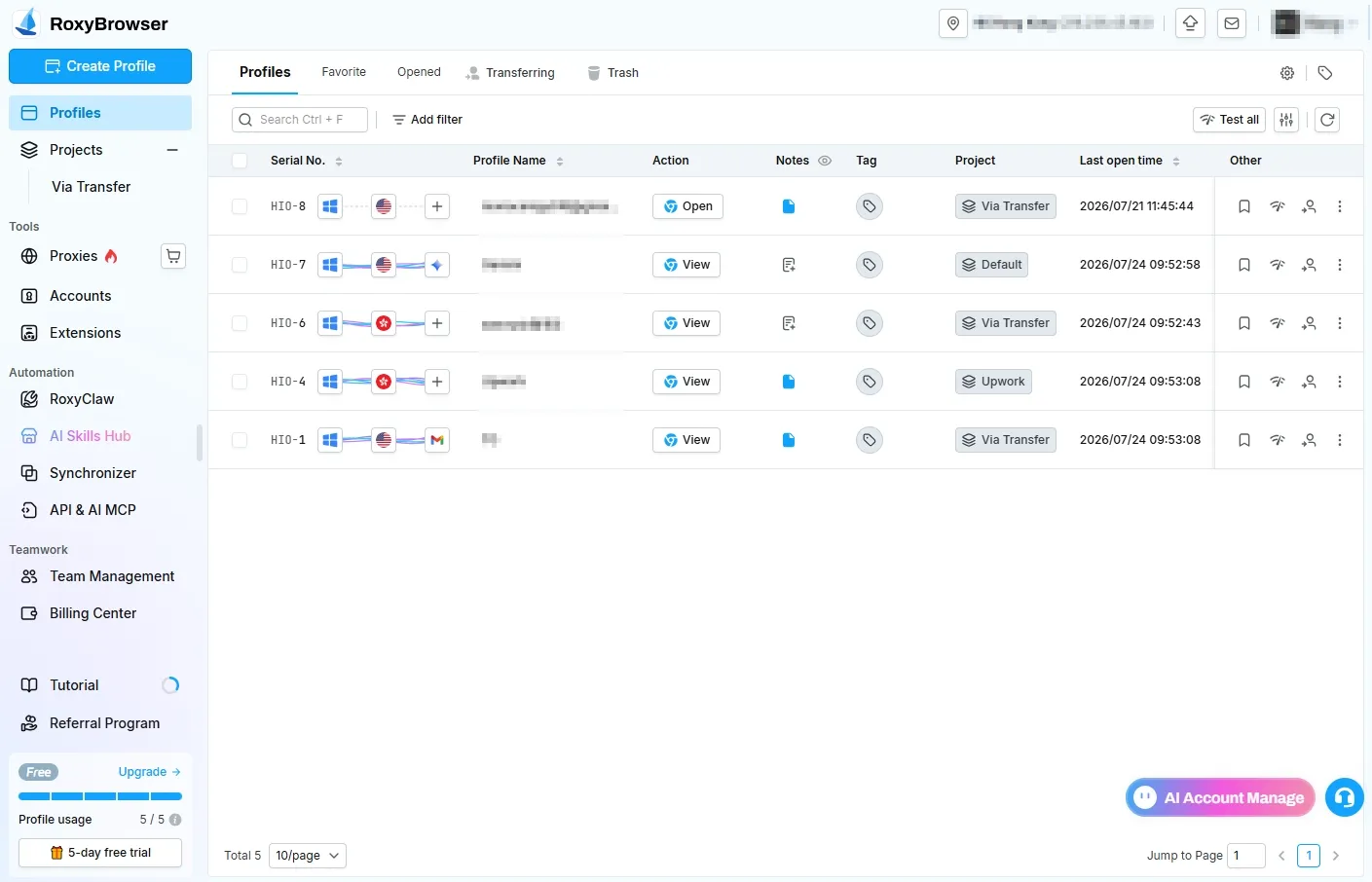
RoxyBrowser can retain cookies, storage, cache, extensions, and network settings separately by project to reduce cross-test interference.
Canvas fingerprinting uses rendering differences as a device signal, and WebRTC can expose local network candidate addresses. The MDN WebRTC documentation explains the API boundary. In compliant testing, record the browser version, time zone, language, extension version, and network egress instead of resetting every setting after each failure.
1. Establish Separate Profiles by Project and Permission
Create a separate browser profile for each project, team, or test environment. Record the owner, target domain, authorization basis, and testing period. Cookie isolation should cover cookies, LocalStorage, SessionStorage, IndexedDB, and cache so test-account state does not cross over. Do not place browser API keys in extension configuration or shared notes.
2. Fix the Approved Settings and Session State
For each profile, document browser version, time zone, language, extension version, and approved network settings. Record when and why a change occurs. Stable configuration provides more value for reproducible testing than continually creating new profiles.
3. Use Responsible Automation, Not Unbounded Concurrency
Before using Selenium, Playwright, or Puppeteer, confirm the target site’s automation permission, rate limits, and test-account scope. Put concurrency, timeouts, retry caps, and stop conditions in the test plan.
For example, an authorized flow can be limited to two retries, then paused when the same integration error appears repeatedly. That is an internal testing control, not guidance for operating against external sites.
4. Call a Service Only When a Challenge Appears
Call the selected API or permitted extension only when an approved page actually presents a challenge. Attach the internal task ID, page state, and result. When a token is invalid, check page action, token lifetime, callback parameters, and session refresh before retrying; do not retry without a limit.
5. Measure Completed Tasks, Not Returned Tokens
Continuously record challenge frequency, completed task count, latency, retries, expired tokens, and total cost. If one browser profile has a materially higher challenge rate than comparable authorized tests, investigate session configuration, page version, and request cadence before changing providers.
Teams that need central management of project configurations, permissions, and activity records can review current product access and licensing information on the RoxyBrowser download page.
Conclusion
The best tools for solving CAPTCHAs depend on the authorized scenario. API services fit controlled development integrations; human or hybrid services can add a comparison path for complex tasks; and extensions fit low-frequency, attended accessibility or manual QA. No provider replaces site permission, and no tool guarantees access to a particular website.
In summary, dealing with CAPTCHAs should not rely solely on a single solving tool; instead, it requires a comprehensive access strategy. Combining a clean and stable network environment (such as high-quality residential proxies) with browser fingerprint isolation technology to reduce CAPTCHA trigger rates at the source is often more effective than simply pursuing a “high solving rate.”


