Digital marketers invest heavily in clean proxy networks and residential IP addresses. They clear cookies meticulously and manage multiple profiles carefully. Despite these precautions, entire batches of accounts still suffer from sudden, unexplained bans. The invisible culprit behind these account suspensions is often the Canvas Fingerprint. So what is canvas fingerprinting? This guide breaks down the mechanics of Canvas Fingerprint tracking and explains the professional methods required to secure multiple online identities.
What is Canvas Fingerprinting (And Why Should You Care)?
Canvas fingerprinting is one of a number of browser fingerprinting techniques for tracking online users that allow websites to identify and track visitors using the HTML5 canvas element instead of browser cookies or other similar means,as noted by
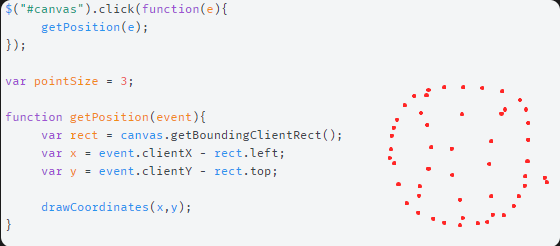
However, tracking companies discovered a secondary use for this feature. When you visit a website, a hidden script runs in the background. This script forces your browser to draw a hidden, complex graphic on an invisible canvas. This graphic usually includes specific text strings, varied fonts, and distinct background colors.
Every computer renders this image slightly differently. Your operating system, graphics card (GPU), graphics drivers, and installed fonts all influence the final picture. The tracking script then reads the pixel data of this rendered image. It converts this visual data into a Base64 encoded format. Finally, it processes this data through a cryptographic function to generate a unique string of text. This unique text string is your canvas fingerprint.
You should care about this technology because it is incredibly persistent. Unlike traditional tracking cookies, canvas fingerprints are stainless. They do not store any files on your computer. You cannot delete them by clearing your browser cache or using incognito mode. Your device generates the exact same fingerprint every single time you visit a website.
The Hidden Trap: How It Triggers Instant Account Bans
Major platforms like Facebook, Amazon, Google, and TikTok deploy sophisticated anti-fraud algorithms. These platforms invest millions of dollars into identifying automated behavior and multi-account operators. They no longer rely solely on IP addresses to track users.
This is the hidden trap for many Global Social Media Marketers and affiliate marketers. A marketer might use browsers like Chrome, Edge, or Firefox, and turn on incognito mode to register 50 accounts. They assign a different proxy IP address to each of their fifty accounts. On the network layer, these accounts look completely independent. They appear to be fifty different people connecting from fifty different cities.
However, the hardware layer tells a completely different story. If the marketer runs all fifty profiles from the same physical computer, the hardware rendering process remains identical. The platform’s security script commands the browser to draw the hidden image. The graphics card processes the request and generates the exact same pixel data for every single profile.
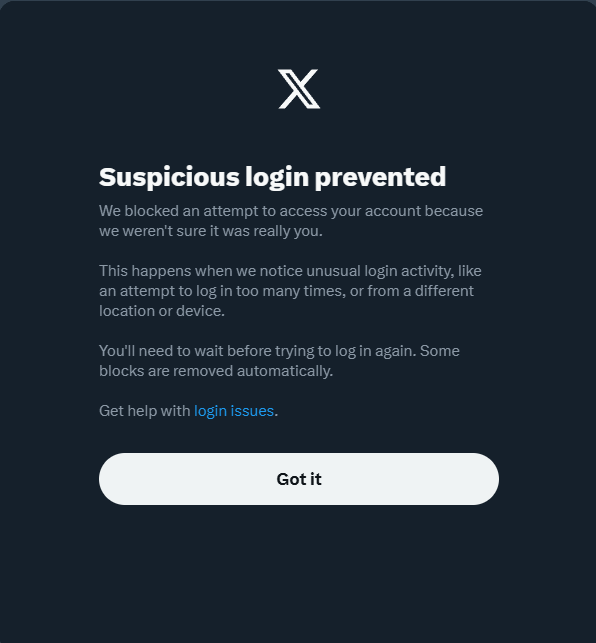
The anti-fraud system instantly detects the identical hash across all fifty accounts. The system algorithm links the accounts together in a fraction of a second. It flags the entire network as a coordinated operation or a severe policy violation. This hardware correlation triggers an immediate, unrecoverable chain ban, destroying your valuable digital assets overnight.
Why “Blocking” Doesn’t Work (The Proxy & VPN Myth)
Many users attempt to solve hardware tracking with the wrong technical approach. A very common mistake is relying entirely on a VPN. A VPN only encrypts your traffic and changes your IP address. It operates purely on the network level and provides absolutely zero protection against browser-level script execution.
Another flawed method involves using standard browser extensions designed to block canvas reading. These extensions work by completely intercepting and stopping the HTML5 script from running. On the surface, this sounds like a logical defense. If you block the script, you send no fingerprint.
In reality, blocking the script triggers severe security alarms. Modern websites expect normal browsers to support standard HTML5 features. When an anti-fraud system asks a browser to draw a canvas and receives a blank response or a blocked error, it registers a massive anomaly. Normal users do not block canvas elements. By using a blocker, you make your profile look highly suspicious. The security algorithm immediately flags the account for attempting to evade detection, which often leads to a faster ban than having a unique fingerprint.
The Canvas Fingerprint Test: Are You Already Exposed?
You can perform Canvas Fingerprint test easily using specialized diagnostic websites. Tools like BrowserLeaks, AmIUnique, or pixelscan provide free hardware analysis. When you visit these testing pages, they execute the exact same HTML5 drawing scripts used by major tracking platforms.
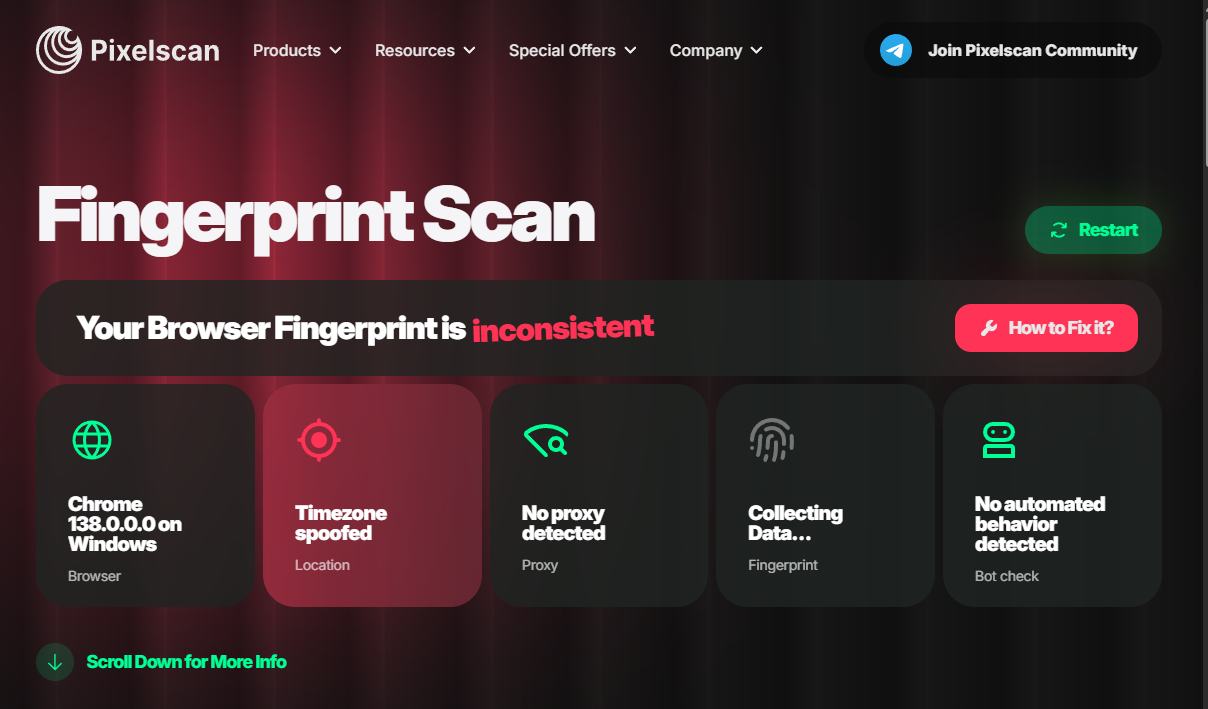
The test compares your browser’s specific rendering output against a massive global database of other visitors. The result dashboard will display your specific fingerprint hash and an entropy score. More importantly, it will show a uniqueness percentage. If the test states that your fingerprint is unique among hundreds of thousands of users, your device stands out. A highly unique fingerprint means that security algorithms can easily track your exact machine across the internet, regardless of your IP address.
How to Bypass Canvas Fingerprinting Successfully
Because canvas tracking relies on deep hardware rendering, simple blocking triggers immediate security alarms. The only reliable method to bypass canvas fingerprint is through precise hardware spoofing. This means allowing the tracking script to run, but injecting microscopic mathematical noise into the final image. To achieve this kernel-level manipulation without breaking consistency, professionals cannot rely on basic extensions. They must use dedicated antidetect browsers to generate a realistic, permanent hardware profile.
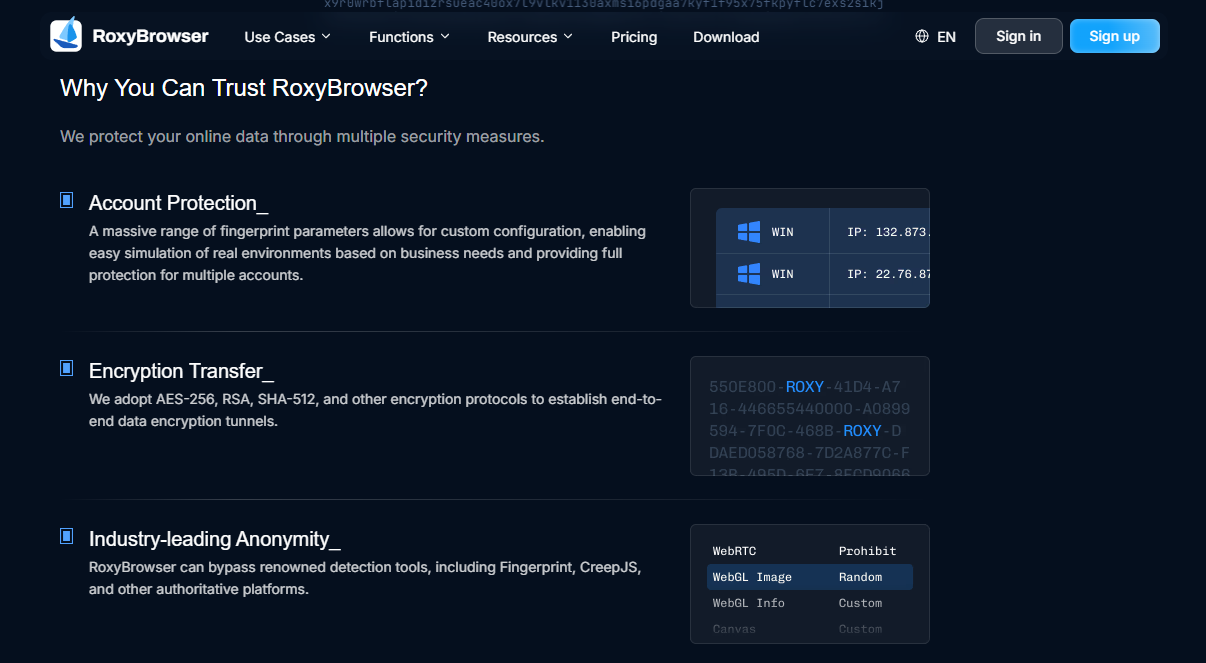
RoxyBrowser is an advanced antidetect browser engineered specifically for this level of secure profile management. It utilizes Deep Fingerprint Spoofing, allowing users to take full control of Canvas, WebGL, WebRTC, and more. By natively injecting precise, profile-specific noise into the rendering process, the software creates a distinct digital identity for every account. This allows hundreds of profiles to operate safely and independently on the exact same physical machine.
Furthermore, RoxyBrowser addresses the major issue of browser core detection. Its custom Chromium engine rapidly syncs with live Chrome releases to prevent “outdated core” bans, easily bypassing strict security checkpoints like Cloudflare. To fully secure these valuable business assets, the platform integrates professional Encryption. Utilizing AES-256, RSA, and SHA-512 protocols, RoxyBrowser ensures that all local profiles and synchronized cloud data remain locked down from end to end.