
The Temu affiliate program lets eligible publishers promote Temu through tracked links and earn rewards when referred activity meets the terms of an available campaign. The practical questions are whether your audience fits, how to apply, what counts as a payable action, and how to keep a campaign accurate after it goes live. This guide covers those decisions step by step, including the account and team workflows that matter when several people publish for one business.
TL;DR: Apply through Temu’s official affiliate or creator entry point for your market. Record the qualifying event, rate, attribution window, exclusions, and payment rules shown to your account before promoting an offer. Track payable rewards rather than clicks alone. If a team needs several workspaces, confirm Temu’s account rules first; browser profiles can organize approved work but cannot authorize extra accounts.
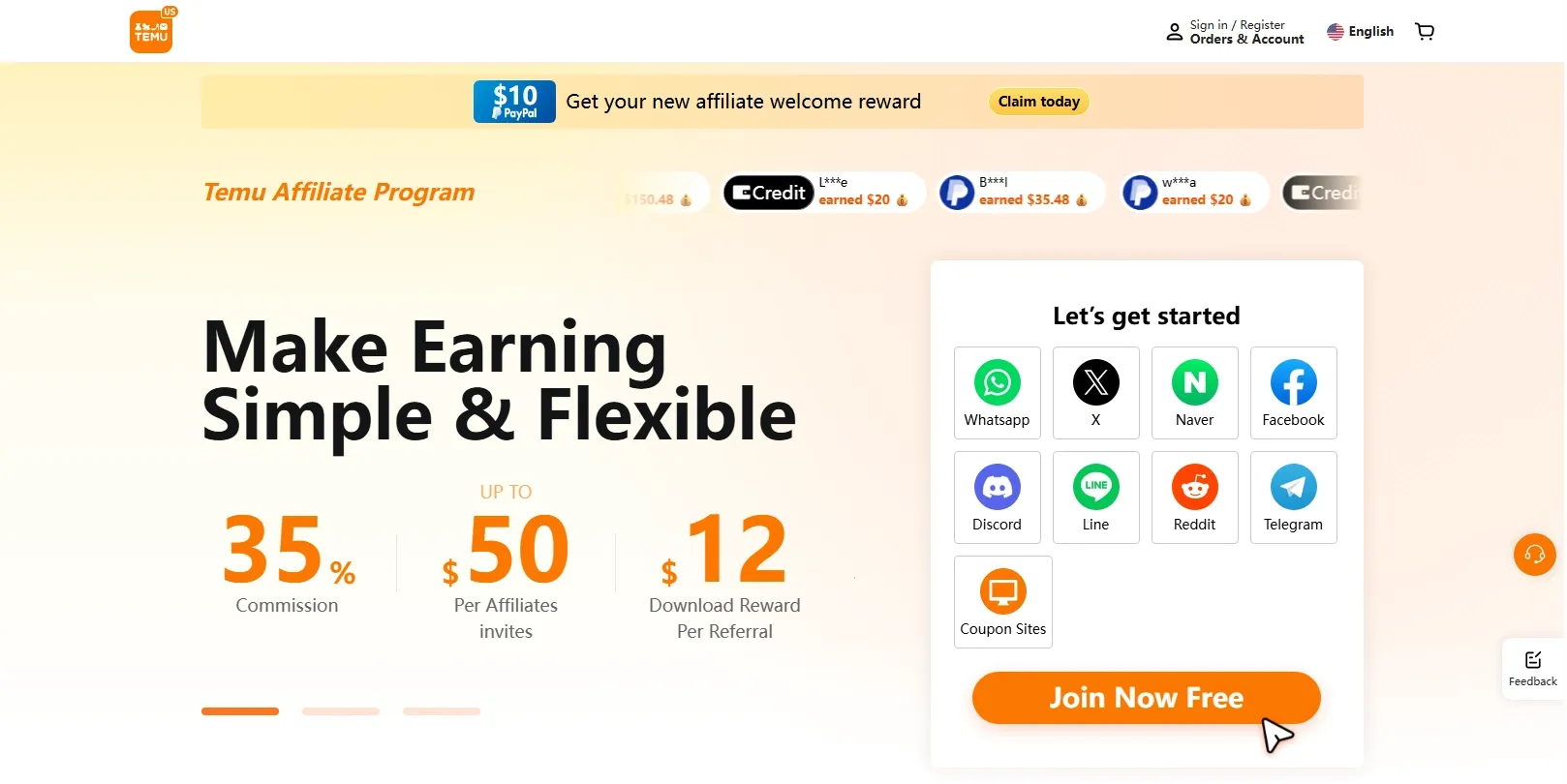
What Is the Temu Affiliate Program and Who Is It For?
The program is a performance partnership: a publisher shares an approved Temu link, Temu attributes eligible customer activity under its campaign rules, and the publisher receives a reward after validation. It is a better fit for publishers who can explain products and verify offers than for channels built around unqualified traffic volume.
The basic flow is approved account → campaign or product link → visitor action → attribution → validation → payable reward. Several terms in that chain have different meanings:
| Term | What to check in the campaign |
|---|---|
| Referral link or deep link | The destination, tracking ID, permitted placement, and whether the link opens in the intended market |
| Qualifying action | The exact event that earns a reward, such as a qualifying order or another action specified by the offer |
| Attribution window | How long after a click an eligible action may be credited |
| Pending reward | An attributed action still awaiting review or validation |
| Reversed reward | An attributed action removed under the program rules |
| Payable reward | An approved amount eligible for payment under the applicable threshold and schedule |
A click does not itself establish a commission. A purchase can also fail validation because of cancellation, refund, an excluded item, or an attribution rule. Read the offer attached to your account rather than relying on a rate quoted in an older article.
| Publisher | Useful content format | Main operating check |
|---|---|---|
| Product reviewer | Comparison, test, or buying guide | Separate observed facts from promotional claims |
| Deal publisher | Curated offer page or newsletter | Recheck price, coupon, and expiry |
| Creator | Demonstration or short video | Put the affiliate disclosure where viewers can see it |
| Agency | Client campaign with shared reporting | Record account ownership and operator access |
Before applying, ask whether the audience actually shops in a Temu-supported market, whether you can refresh changing product claims, and whether your channel allows affiliate links. Those conditions matter more than the number of links you can produce.
How to Apply for the Temu Affiliate Program
To apply, start from Temu’s official site or app in the country where you operate, locate its current affiliate or creator program, and submit accurate details about the owner and promotion channels. The portal, required fields, and available campaigns may differ by market.
- Find the correct entry point. US publishers can start at Temu’s affiliate recruitment page. Check the region and eligibility shown after the page opens before proceeding. Avoid a copied application link from an unrelated site.
- Prepare the applicant information. Have the legal or business identity, contact details, active website or social channels, audience description, and payment or tax information requested by the application ready.
- Describe the traffic honestly. Name the channel and content format you will use. A product review site, a deal newsletter, and an agency client campaign are different traffic sources.
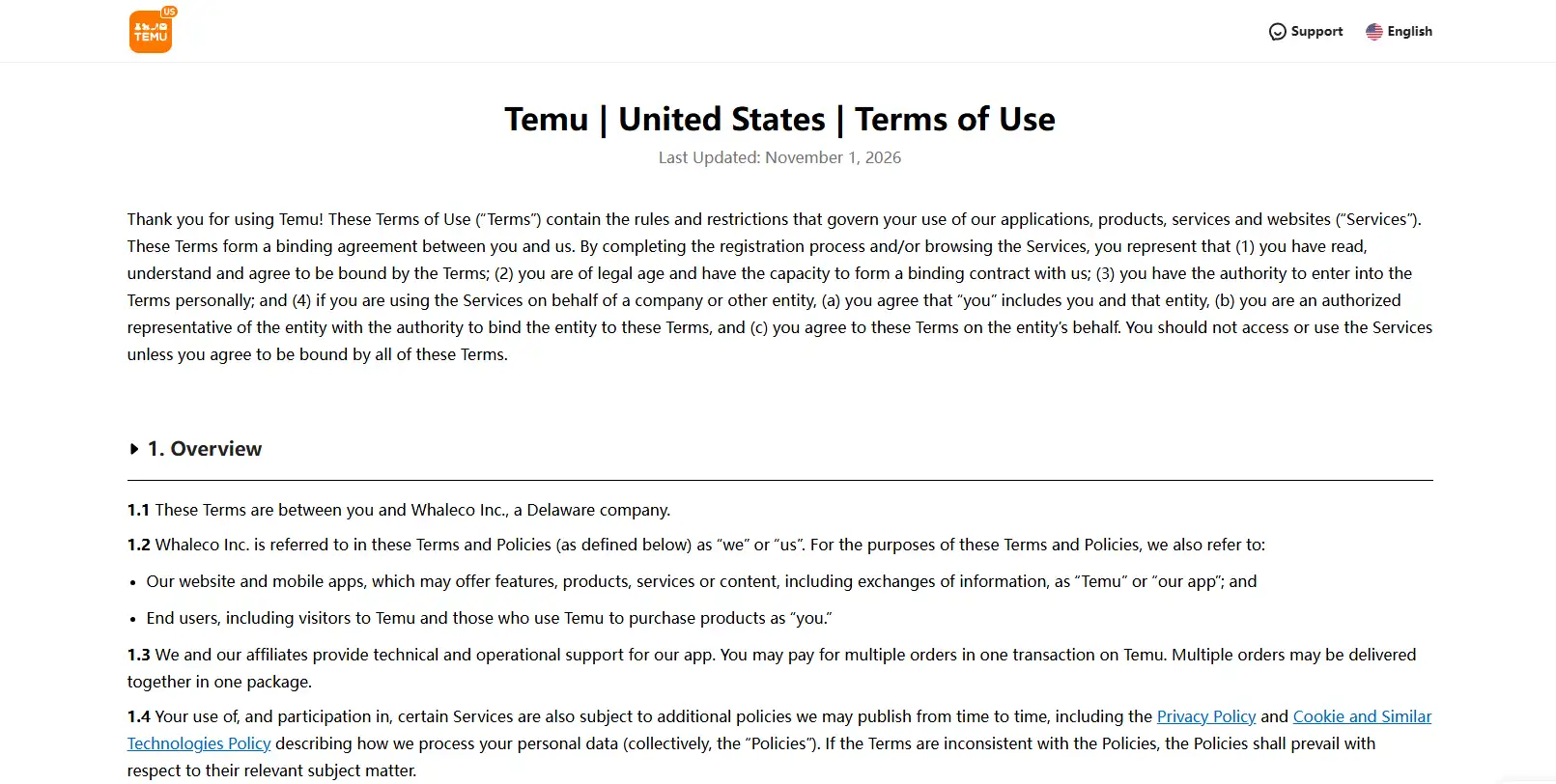
- Read the applicable terms before submitting. Review Temu’s general Terms of Use and the separate affiliate or creator terms displayed in the application or account. Check eligible applicants, permitted traffic, prohibited placements, trademark use, referral restrictions, validation, and payout. Save the version or date you reviewed.
- Submit and retain the result. Save the application confirmation and the account status shown in the portal. Complete any subsequent verification through the official channel.
For a US campaign, record the following conditions from the version presented to your account:
| Condition | Where to check | Why it changes the campaign |
|---|---|---|
| Applicant and market eligibility | Recruitment flow and affiliate terms | Determines whether the publisher and target audience qualify |
| Approved channels and restricted promotion | Affiliate terms and campaign rules | Determines where links can appear and which traffic sources are excluded |
| Qualifying action and attribution | Active offer in the signed-in dashboard | Determines which customer action can earn credit and for how long |
| Reward and reversal rules | Active offer and earnings report | Separates an advertised rate from a validated, payable reward |
| Payment and tax requirements | Account payment settings and program terms | Determines the payout method, threshold, schedule, and required verification |
| Account and referral limits | Affiliate terms or support response | Determines whether a proposed client or team account structure is allowed |
The general Terms of Use govern use of the site. An affiliate campaign may impose additional conditions; do not infer a commission rate or permission for multiple accounts from the general terms alone.
An application is easier to assess when the proposed channel is live and its audience is clear. For example, a publisher with a home-organization review site can identify the relevant category, show existing reviews, and explain how links and disclosures will appear. An inactive site with a vague promise of “global traffic” gives the reviewer less to evaluate.
If the application remains pending or is rejected, compare the submitted identity, region, and channel against the portal requirements. Check whether a verification request was missed. Do not respond by submitting duplicate applications under different identities; resolve the issue through the program’s support route.
After approval, make a record of the campaign name, eligible action, rate or fixed reward, attribution window, exclusions, validation period, payout method, threshold, and promotion restrictions. Save the date and a screenshot of those fields. This record is the baseline for both reporting and later disputes.
Temu Affiliate Program Commission Rates: How to Read the Offer
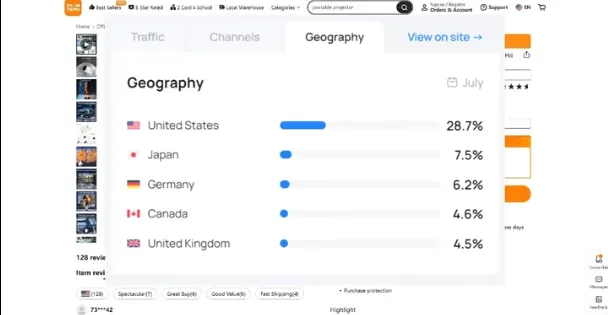
There is no reliable universal Temu affiliate commission rate to apply to every publisher. The displayed reward can depend on market, campaign, customer status, product category, promotional period, and whether the required event is an order, app action, or another conversion. The rate shown in an account’s active offer is the rate to use for that campaign.
First distinguish the reward models. A percentage commission is calculated from an eligible order value. A fixed bounty pays a stated amount for a qualifying action. A temporary bonus may have extra conditions and an expiry date. A new-customer incentive may not apply to returning customers. Treat these as separate lines in a forecast.
For a hypothetical example only, suppose an eligible order value is $50 and the applicable percentage rate is 10%. The preliminary reward would be $5. If the order is later cancelled, the payable reward for that order may become $0. Those figures illustrate the calculation; they are not Temu rates.
Keep a simple weekly table:
| Metric | Example question |
|---|---|
| Link clicks | Did the content attract visitors? |
| Qualifying actions | Did those visitors complete the specified event? |
| Pending rewards | What remains under validation? |
| Reversals | Which attributed actions did not survive review? |
| Payable rewards | What has actually been approved for payment? |
The commercial measure is net payable reward after content and distribution costs. A campaign with many clicks and a high advertised rate can still perform poorly if few actions qualify or reversals are frequent. Test one product category and one channel first, then compare payable reward per published piece or per campaign cost before expanding.
Temu Affiliate Program Review: Strengths, Limits, and Best-Fit Scenarios
A useful Temu affiliate program review asks whether the program converts for a particular audience and channel. It should not judge value from a headline commission alone. Temu’s catalog gives product-focused publishers many potential subjects, but availability, claims, and offer terms need frequent checks.
| Decision factor | Strong fit | Weak fit |
|---|---|---|
| Audience | Readers already seek products, deals, or comparisons | The channel has little shopping intent |
| Content | The publisher can test, compare, or verify products | Pages repeat listings without added information |
| Operations | Someone owns link checks and reporting | Offers are published once and left unattended |
| Economics | Validated rewards exceed production and promotion costs | The plan depends on an introductory bonus remaining permanent |
| Compliance | Disclosures and approved traffic sources are documented | The channel depends on hidden links or misleading redirects |
For a creator, a short demonstration with a visible disclosure may be more useful than a broad list of unrelated products. For a deal site, the editorial burden is different: stale prices and expired coupons can damage trust quickly. An agency also needs a clear owner for each account, link, and payout destination. These are operating costs that belong in the program review.
Multiple Temu Accounts: Policy Checks and an Authorized Team Workflow
The answer to how to create multiple Temu accounts begins with Temu’s account rules, not with a browser setting. Separate business entities, clients, brands, and team members may have different operational needs, but that does not establish permission to open multiple affiliate accounts for one owner. Confirm the allowed structure in the current terms or with Temu support before creating another account.
| Need | First option to investigate |
|---|---|
| Several employees work for one publisher | Approved team access or a controlled shared business workflow |
| An agency serves separate clients | Client-owned accounts with documented permissions |
| One publisher operates several brands | Reporting or campaign identifiers within an approved account |
| Personal and business activity differ | Temu’s permitted account types and ownership rules |
Before adding an account, record its legal owner, payment recipient, operating market, administrator, promotion properties, and purpose. Ask Temu whether that structure is permitted. Creating duplicate accounts to multiply referral rewards, evade a restriction, or obscure common ownership creates a different and unacceptable risk.
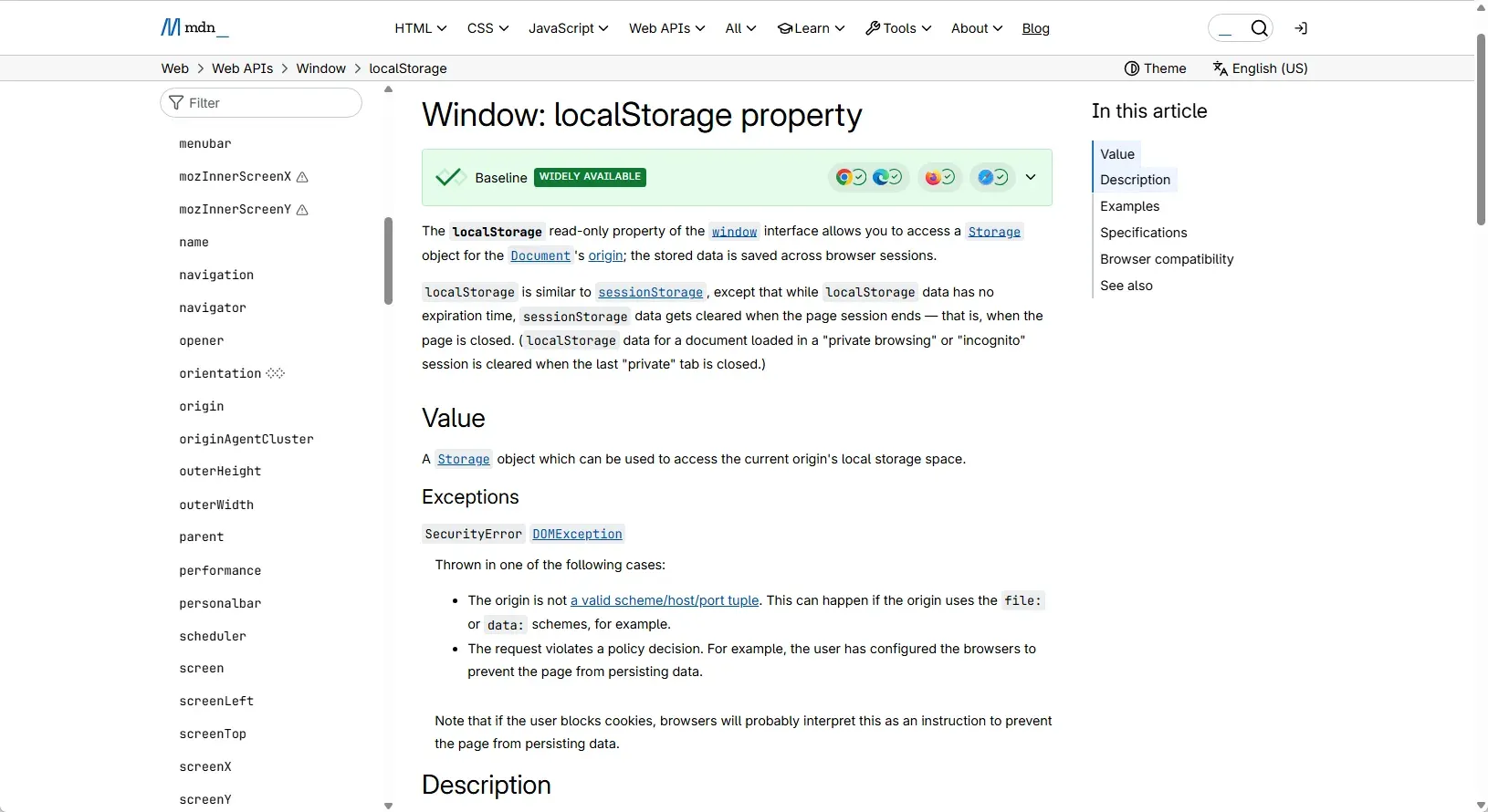
Browser profiles are useful only after the account structure is settled. A separate profile can keep an approved client’s cookies, bookmarks, and campaign tabs away from another client’s workspace. Profile isolation separates local browser storage such as cookies and localStorage; it does not change the identity or terms attached to a Temu account. For the underlying storage behavior, see MDN’s localStorage documentation.
When Temu permits the proposed account arrangement, make ownership and access auditable. A named workspace for each authorized business context reduces accidental cross-posting, while an account register tells the team who is responsible for each campaign.
Build a register with these fields: account owner, market, approved channels, payout owner, campaign ID, assigned operator, access level, and last review date. Keep client assets distinct from the agency’s own assets. Give publishers only the access needed to create and check links; reserve payment changes and administrator access for the owner.
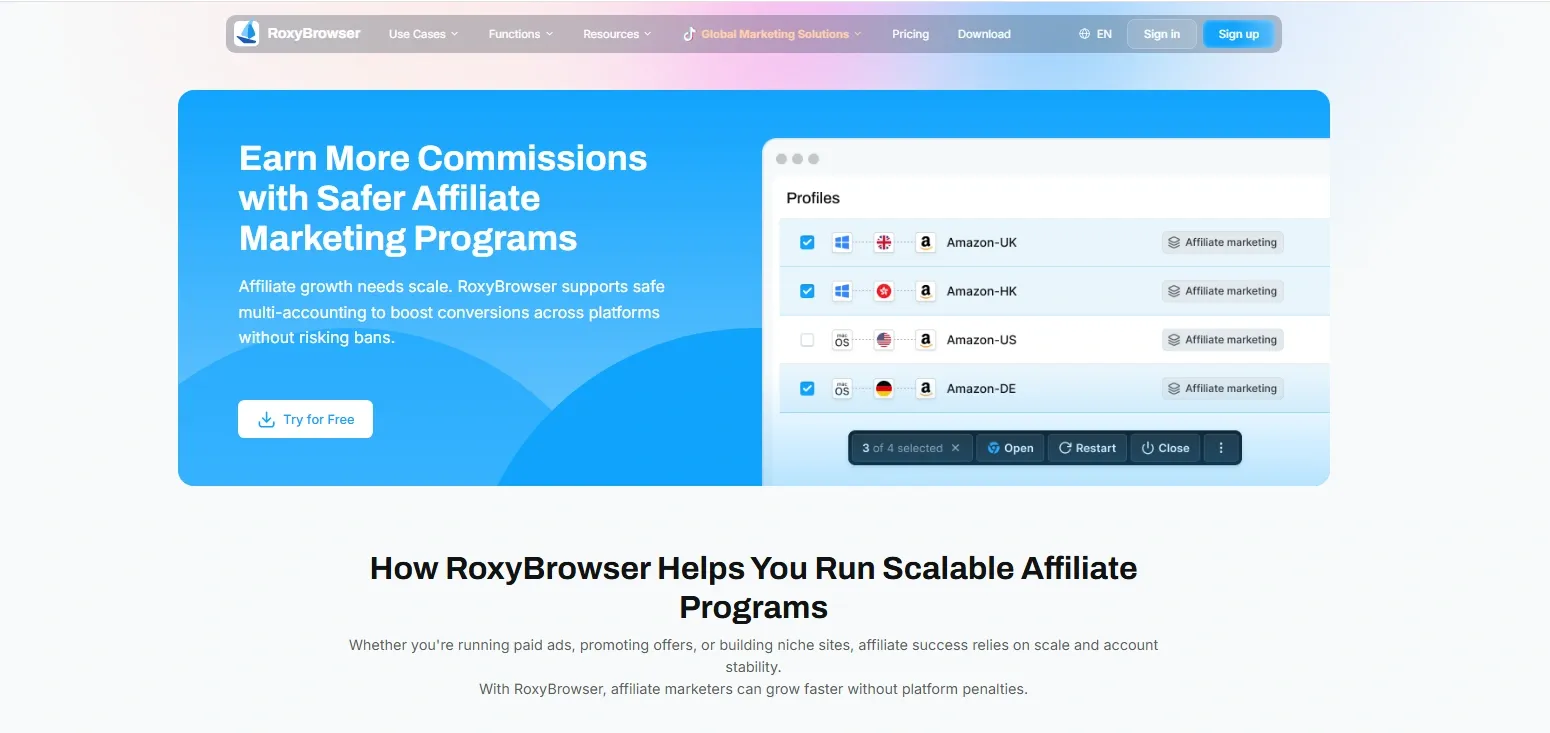
An affiliate marketing browser such as RoxyBrowser can provide separate browser profiles for authorized workspaces. Its manage multiple accounts workflow is useful when the same team handles different approved client environments. The technical benefit is cleaner session separation and a controlled handoff. It is not a substitute for Temu’s permission to use more than one account.
A practical workflow looks like this:
- Create one named RoxyBrowser profile for an approved client or brand workspace.
- Add the necessary bookmarks and sign-in details through the team’s approved credential process; avoid circulating passwords in a spreadsheet.
- If a proxy is required for the authorized business workflow, bind the approved network route to that profile. Confirm the visible IP, locale, and time zone reflect the actual operating context.
- Record the profile owner and the Temu campaign identifier in the account register.
- Grant the operator the minimum access needed and remove it when their assignment ends.
- Check conversion and policy notices in Temu’s dashboard, not in the browser profile alone.
A proxy changes the network route. Browser settings and network settings are different layers: WebRTC, locale, and time-zone behavior require their own checks where relevant. A stable profile also cannot guarantee account approval or prevent a policy action. Keep the tool’s role limited to organizing authorized work and reducing accidental session crossover.
How to Create, Test, and Track Temu Affiliate Links
A good affiliate link workflow connects each published placement to one campaign record and one verified landing page. That makes broken offers easier to fix and earnings easier to reconcile.
- Select an eligible campaign or product in the approved dashboard.
- Generate its referral link or deep link using the official tool.
- Give the link an internal label such as
home-storage-review-video-novand record the campaign ID, destination, channel, and publication date. - Open the link in a normal test session on desktop and mobile. Check the product, currency, shipping market, and any displayed offer.
- Publish the link with a clear affiliate disclosure near the recommendation. The FTC’s disclosure guide explains why a material connection should be clear and hard to miss for US audiences.
- Recheck the destination after publication and whenever the product or campaign changes.
Use a pre-publication checklist for price, coupon expiry, availability, shipping claim, link destination, disclosure, and permitted traffic source. If a shortener or redirect is used, confirm that it is allowed by the program and preserves the required attribution. Do not assume that a click in your analytics system equals a Temu conversion.
Each week, compare your own click data with Temu’s qualified actions, pending rewards, reversals, and payable total. Those reports answer different questions. Your analytics describes visits to or from a page; the affiliate dashboard decides whether an action met the campaign conditions.
How to Avoid a Temu Affiliate Ban Through Compliant Operations
The reliable way to avoid a Temu affiliate ban is to keep the account, traffic, content, and payment details aligned with the current program terms. No browser or proxy can turn prohibited promotion into permitted promotion.
Common avoidable problems include an expired discount presented as current, an undisclosed paid recommendation, a traffic source absent from the application, unauthorized trademark bidding, forced clicks, and payment details that do not match the account owner. For example, if a coupon page continues advertising an expired discount after the landing page changes, visitors receive a misleading offer even when the tracking link still works.
Use a small operating routine:
- Save the applicable offer and policy terms with a review date.
- Assign an owner to every channel and published link.
- Check claims and destinations before launch and after material changes.
- Review reversals, verification requests, and policy notices each week.
- Pause a placement whose price, offer, or permission cannot be confirmed.
- If the account is reviewed, send Temu support the account and campaign IDs, dates, traffic source, and relevant screenshots.
RoxyBrowser can help keep authorized workspaces separate, but it cannot grant extra accounts, conceal ownership, reverse a suspension, or guarantee that a campaign complies with Temu’s rules. The account register and the official dashboard remain the main sources of operational truth.
Troubleshooting Temu Affiliate Tracking and Payout Issues
Start troubleshooting by identifying where the chain broke: link, visit, qualifying action, validation, or payment. A click without a reward is not automatically a tracking failure.
| Symptom | First checks | Evidence to retain |
|---|---|---|
| Clicks appear, conversions do not | Qualifying-event definition, attribution window, destination, redirect behavior | Link, test timestamp, campaign ID, analytics screenshot |
| Reward stays pending | Validation period, refund or cancellation, excluded product | Order or campaign reference where available, dashboard status |
| Reward is reversed | Reversal rule and reason shown in dashboard | Before-and-after report, offer terms saved at publication |
| Payout is held | Identity, tax or payment verification, threshold, account notice | Verification request, payment profile, support correspondence |
Do not repeatedly create new links or accounts when a reward is missing. First compare the dated offer terms with the dashboard event. If the cause remains unclear, submit one support request containing the campaign ID, link, relevant dates, observed behavior, and screenshots. That gives the program a specific issue to investigate.
Conclusion
The Temu affiliate program is easiest to evaluate through a controlled campaign: apply with a real publishing channel, record the offer shown to your account, publish a verified link, and measure payable reward after validation and costs. Keep account ownership and disclosures clear as the operation grows. For teams that need separate authorized workspaces, RoxyBrowser can organize browser profiles and access. Start for free after the account structure and campaign workflow are in place.


