
Managing multiple online accounts has become a critical task. Yet traditional browsers often fall short. As platforms grow more sensitive to multi-account activity, relying on standard tools is no longer enough.
Whether you are trying to manage multiple accounts or just anonymous browsing, the virtual browser provides a scalable and secure solution. After an in-depth evaluation, we have concluded the most popular virtual browsers in 2026. Read on to discover which browser offers the comprehensive feature today!

What is a Virtual Browser?
A virtual browser is a specialized tool that creates isolated browsing environments with unique digital fingerprints. Unlike regular browsers, virtual browsers mask your device’s real identity by generating customizable browser fingerprints—including user agents, canvas data, fonts, and time zones. This technology is also known as an anti-detect browser.
Who Needs a Virtual Browser?
-
Digital marketers managing multiple social media or ad accounts
-
E-commerce sellers operating stores across different platforms
-
Affiliate marketers running campaigns without platform restrictions
-
Web developers conducting web testing across different environments
-
SEO professionals analyzing search results without personalization bias
-
Privacy-conscious users seeking anonymous browsing experiences
-
Crypto traders managing multiple exchange accounts securely
What to Look for in a Virtual Browser?
-
Fingerprint technology quality – Can it bypass sophisticated detection systems?
-
Profile isolation – Are accounts truly separated with no data leakage?
-
Proxy support – Does it work with your preferred proxy providers?
-
Team collaboration – Can you share profiles securely with team members?
-
Automation capabilities – Does it support API integration for scaling operations?
-
Platform compatibility – Does it work on your operating system?
-
Pricing structure – Does the cost align with your budget and usage needs?
-
Customer support – Is help available when you need it?
-
Security measures – How does it protect your sensitive data?
A Quick Summary of the 8 Best Virtual Browsers in 2026
| Browser | Multi-Account | Fingerprint Tech | Team Features | API Support | Pricing | Performance |
|---|---|---|---|---|---|---|
| RoxyBrowser | ✅ Unlimited | ⭐ Advanced | ✅ Yes | ✅ Full | Free plan + Premium | Excellent |
| Browser.lol | ✅ Good | ✔️ Basic | ❌ Limited | ❌ No | Affordable | Good |
| DICloak | ✅ Good | ✔️ Standard | ✅ Yes | ✔️ Partial | Mid-range | Good |
| Authentic8 Silo | ✔️ Limited | ✔️ Standard | ✅ Yes | ❌ No | Enterprise | Moderate |
| BrowserStack | ✔️ Testing only | ❌ Basic | ✅ Yes | ✅ Full | Expensive | Good |
| Browsering | ✅ Good | ✔️ Standard | ❌ No | ❌ No | Budget | Moderate |
| TraceFree | ✅ Good | ✔️ Standard | ✔️ Basic | ❌ No | Mid-range | Moderate |
| LambdaTest | ✔️ Testing only | ❌ Basic | ✅ Yes | ✅ Full | Expensive | Good |
Detailed Reviews of the 8 Best Virtual Browsers
1. RoxyBrowser
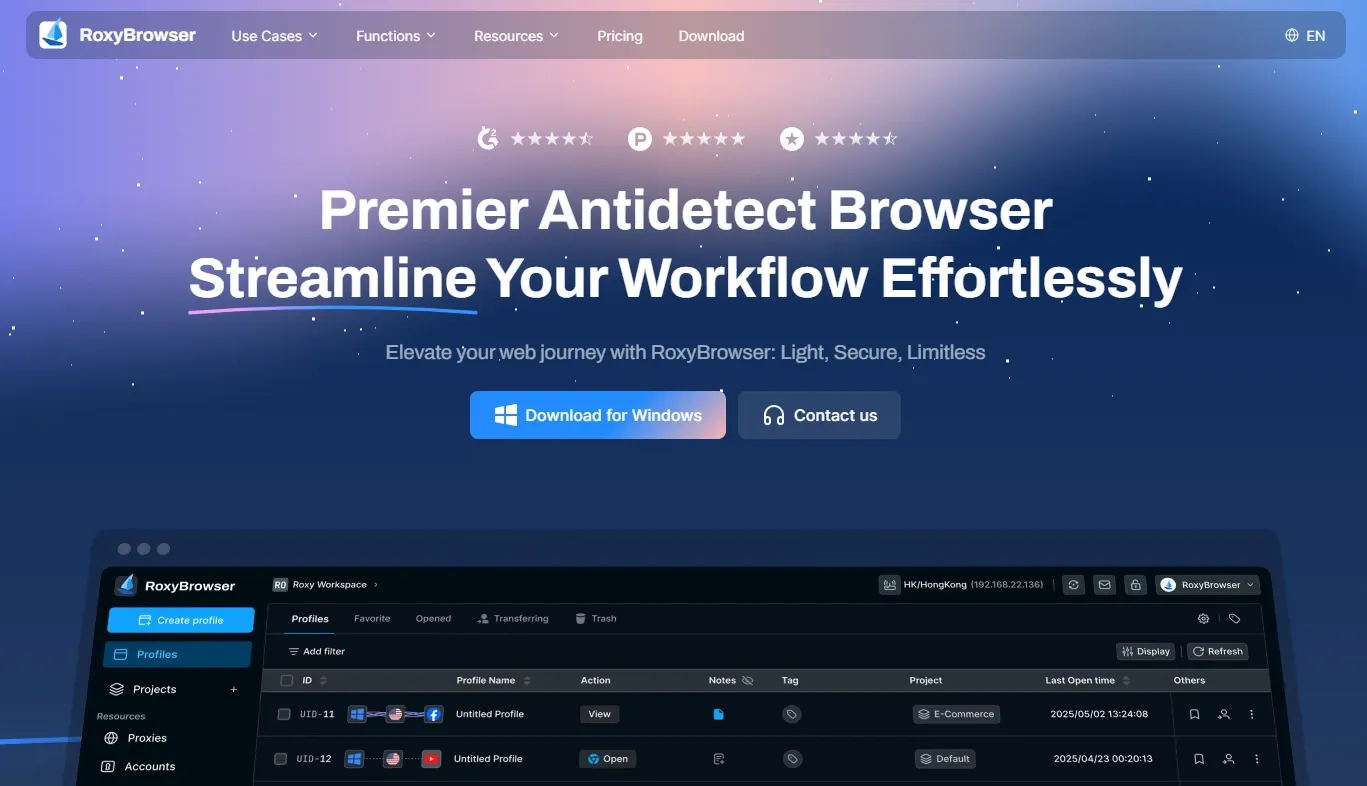
RoxyBrowser is the premier anti-detect browser designed for professionals who need comprehensive multi-account management. It combines advanced fingerprint technology with intuitive controls, making it the best virtual browser for marketers, e-commerce sellers, and privacy advocates.
Features:
-
Unlimited browser profiles with unique fingerprints
-
Support for all proxy types (residential, mobile, datacenter)
-
Advanced fingerprint protection and customization (GPU, fonts, canvas, WebGL)
-
Built-in API for automation (Selenium, Puppeteer compatible)
-
Team collaboration with role-based permissions
-
Window synchronization for bulk operations
-
Works on Windows and macOS
Pros:
-
Free plan with 2 profiles available
-
Easy to set up with built-in templates for new users
-
Bypasses filters on major platforms
-
Lightweight and fast performance
-
Excellent customer support
-
Clean, intuitive interface
Cons:
-
Newer brand with a small community
-
Premium features need a subscription
Pricing:
-
Free Plan: 2 profiles permanently
-
Basic Plan: $4.8/month - 10 + 2 profiles, $16.8/month - 100 + 2 profiles
-
Professional Plan: $88.8/month - 1000 + 2 profiles
-
Business Plan: $568.8/month - 10000 + 2 profiles
-
For Team Work: $10/Workspace, $5/Member, invitation & allocation are customizable.
2. Browser.lol
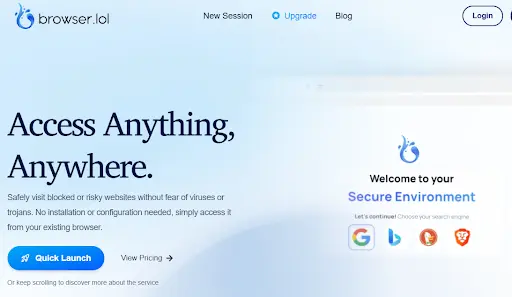
Browser.lol offers a straightforward approach to virtual browsing with basic fingerprint protection. It’s suitable for users who need simple multi-account management without advanced features.
Features:
-
Basic browser profile isolation
-
Simple proxy integration
-
Cookie and cache separation
-
Standard fingerprint randomization
Pros:
-
Easy to set up
-
Affordable pricing
-
Minimal system requirements
Cons:
-
Limited fingerprint customization
-
No team collaboration features
-
Lacks API support
-
Basic detection bypass capabilities
Pricing:
-
Premium: $9 per month
-
Browser Unblock: $24 (one-time payment, but no premium features or extended timeouts)
-
Business: Contact sales to customize your plan.
3. DICloak
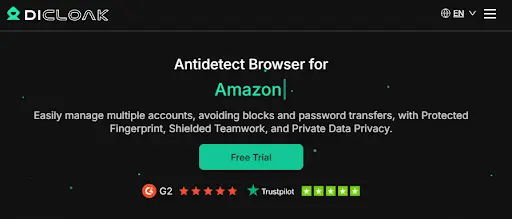
DICloak focuses on multi-account management with decent fingerprint technology. It serves marketers and e-commerce professionals who need reliable isolation.
Features:
-
Multiple browser profiles
-
Proxy management system
-
Fingerprint configuration options
-
Basic team sharing
-
Partial automation support
Pros:
-
Good profile management
-
Stable performance
-
Reasonable pricing
Cons:
-
Less intuitive than competitors
-
Limited API functionality
-
Smaller user community
Pricing:
-
Free Plan: 5 profiles, 15 daily open times for only 1 member.
-
7-day free trial for premium features
-
Base: $48/year - 20 profiles, 400 daily open times for 2 members.
-
Plus: $172.8/year - 100 profiles, 50000 daily open times for only 1 member.
-
Share+: $828/year - 200 profiles, no daily open times limit and member limit.
4. Authentic8 Silo
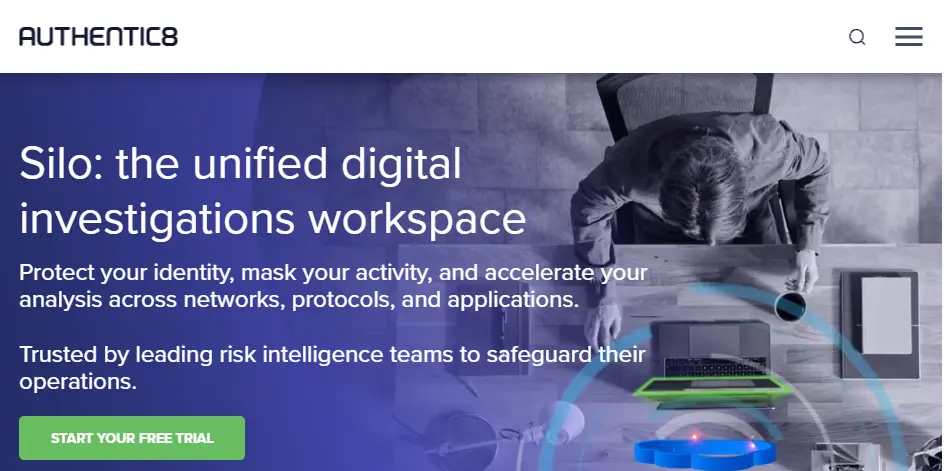
Authentic8 Silo targets enterprise clients with compliance-focused secure browsing. It’s a cloud-based solution emphasizing security over flexibility.
Features:
-
Cloud-isolated browsing sessions
-
Enterprise security controls
-
Compliance reporting
-
Centralized management
-
Activity logging
Pros:
-
High security standards
-
Enterprise support
-
Compliance-ready
Cons:
-
Expensive for small teams
-
Limited multi-account capabilities
-
Not ideal for marketing use cases
-
Requires an internet connection
Pricing:
-
Free for for 30 days of access
-
Essentials: $1950 per user per year
-
Pro: $2900 per user per year
-
Workspace: $3450 per user per year
5. BrowserStack
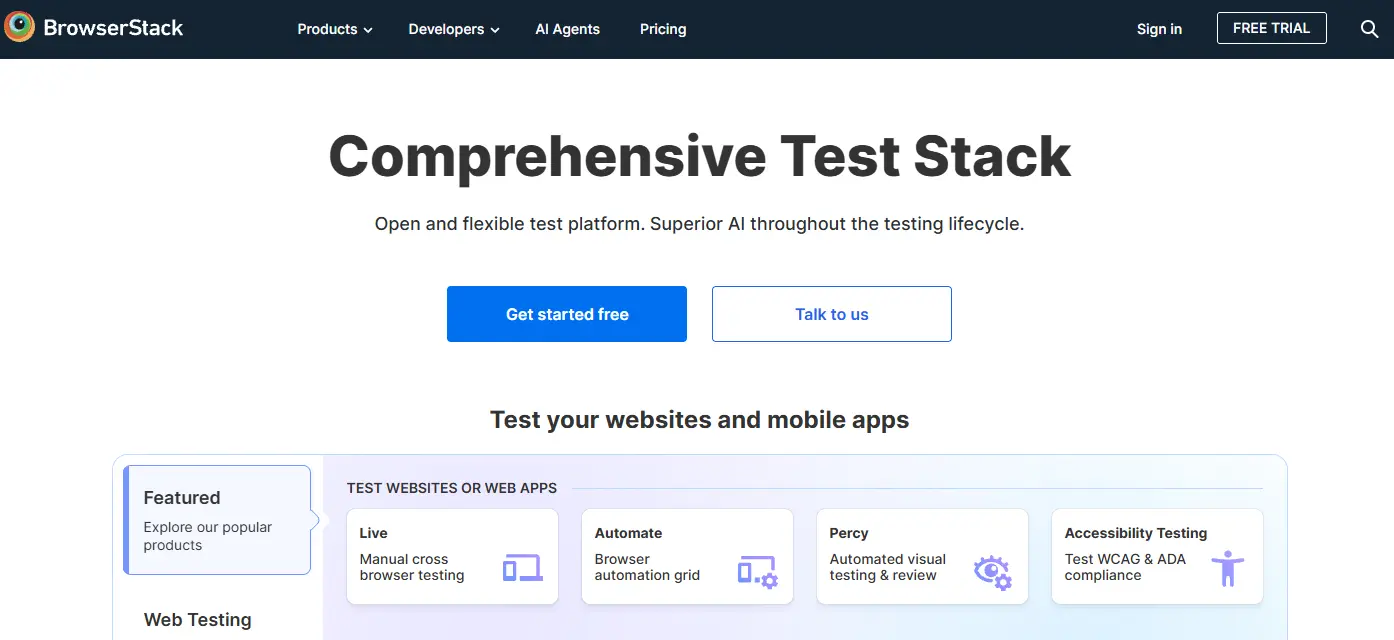
BrowserStack is primarily a web testing platform that provides access to real devices and browsers. It’s a good browser for web testing, but not designed for anonymity or multi-accounting.
Features:
-
Access to 3,500+ real devices
-
Cross-browser compatibility testing
-
Automated testing integration
-
Screenshot and video capture
-
Debugging tools
Pros:
-
Comprehensive testing environment
-
Real device testing
-
Strong API support
-
Excellent for QA teams
Cons:
-
Not an anti-detect solution
-
Expensive for individual users
-
Overkill for simple browsing needs
-
No fingerprint customization
Pricing:
-
Desktop: Single user plan, $29/month (billed annually)
-
Desktop & Mobile: Single user plan, $39/month (billed annually)
-
Team: 5 users, $150/month (billed annually)
-
Team Pro: 5 users, $249/month (billed annually)
-
Team Ultimate: $375/month (billed annually)
6. Browserling
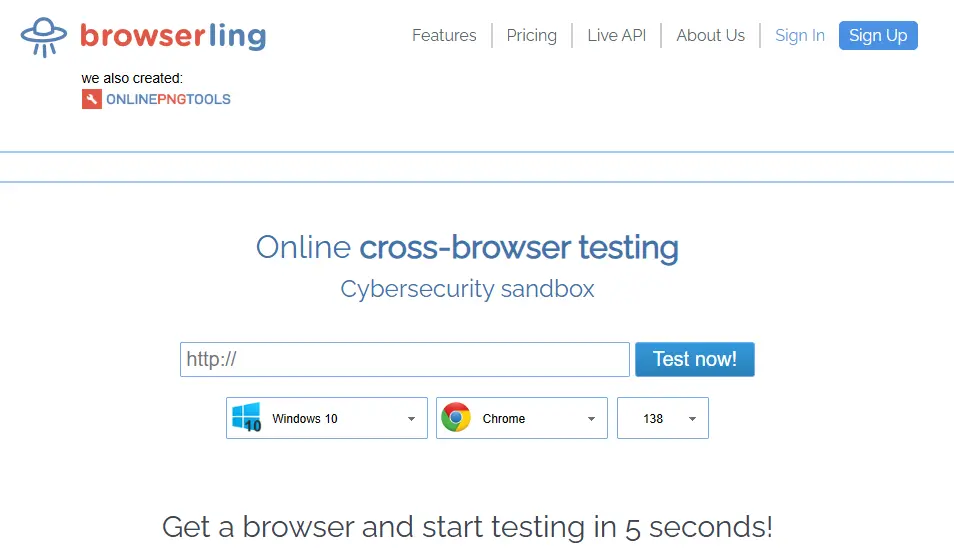
Browsering offers basic virtual browsing capabilities for users with simple privacy needs. It’s a lightweight option without advanced features.
Features:
-
Profile isolation
-
Basic proxy support
-
Simple interface
-
Standard privacy controls
Pros:
-
Budget-friendly
-
Low learning curve
-
Lightweight application
Cons:
-
Limited fingerprint protection
-
No team features
-
Minimal support
-
Basic functionality only
Pricing:
-
Starter Plan: $4/month, billed annually ($48/year)
-
Developer Plan: $9/month, billed annually ($108/year)
-
Developer Pro Plan: $14/month, billed annually ($168/year)
7. TraceFree
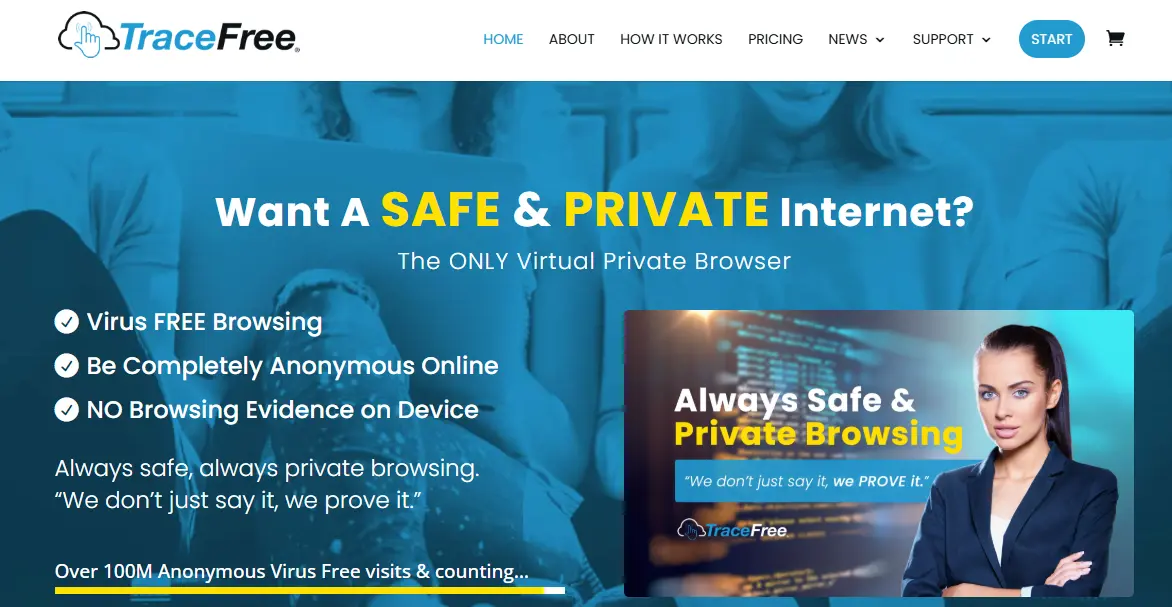
TraceFree emphasizes privacy and anonymity with standard fingerprint protection. It suits privacy-focused users who don’t need extensive collaboration tools.
Features:
-
Anonymous browsing modes
-
Fingerprint randomization
-
Profile management
-
Proxy integration
-
Privacy-first design
Pros:
-
Strong privacy focus
-
Decent fingerprint tech
-
Reasonable pricing
Cons:
-
Limited team collaboration
-
No automation API
-
Smaller feature set
-
Windows OS only
Pricing:
-
TraceFree Monthly: $11.99/month
-
TraceFree Semi-Annual: $69/every 6 months
-
TraceFree Annual: $99/year
8. LambdaTest
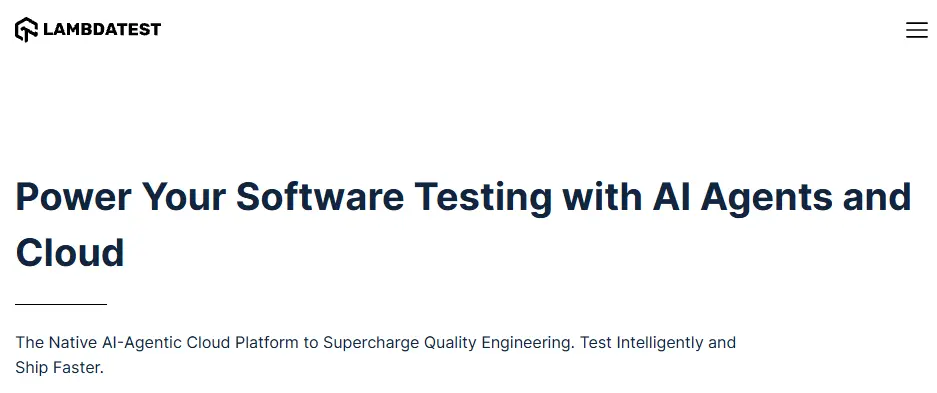
LambdaTest is another cloud-based testing platform focused on cross-browser compatibility. Like BrowserStack, it excels at testing but isn’t designed for Incognito browsing or multi-account operations.
Features:
-
3,000+ browser and OS combinations
-
Live interactive testing
-
Automated test execution
-
Screenshot testing
-
Integration with CI/CD tools
Pros:
-
Comprehensive testing capabilities
-
Real browser environments
-
Good documentation
-
Strong automation support
Cons:
-
Not designed for anti-detection
-
Premium pricing structure
-
Testing-focused, not privacy-focused
-
Requires a stable internet
Pricing:
-
Free: 1 Parallel Test
-
Live: $15/month, billed annually, 1 Parallel Test
-
Real Devices Plus: $39/month, billed annually, , 1 Parallel Test
-
Enterprise: Contact sales to customize your plan.
How to Choose the Best Virtual Browser
Selecting the best virtual browser depends on your specific needs. If you are still confused, we have categorized them according to the usage scenarios for you.
🔹 For multi-account management → RoxyBrowser, DICloak
🔹 For corporate security → RoxyBrowser, Authentic8 Silo
🔹 For testing → BrowserStack, RoxyBrowser, LambdaTest
🔹 For basic anonymity → Browser.lol
🔹 For privacy → TraceFree
Conclusion
A well-chosen virtual browser ensures secure, anonymous, isolated, and stable operations for multi-account management and digital projects.
After reviewing these options, RoxyBrowser remains the most versatile option and the best virtual browser in 2026. Whether you need an anti-detect browser for marketing or anonymous browsing for privacy, it provides the perfect balance of power and usability.


